🤖 QuickBooks Online AI agent - Chat with Quickbooks data with GPT agent
⚡ 252 views · 🤖 AI Chatbots & Agents
Description
Video Introduction
Want to automate your inbox or need a custom workflow? 📞 Book a Call | 💬 DM me on Linkedin
What This Workflow Does
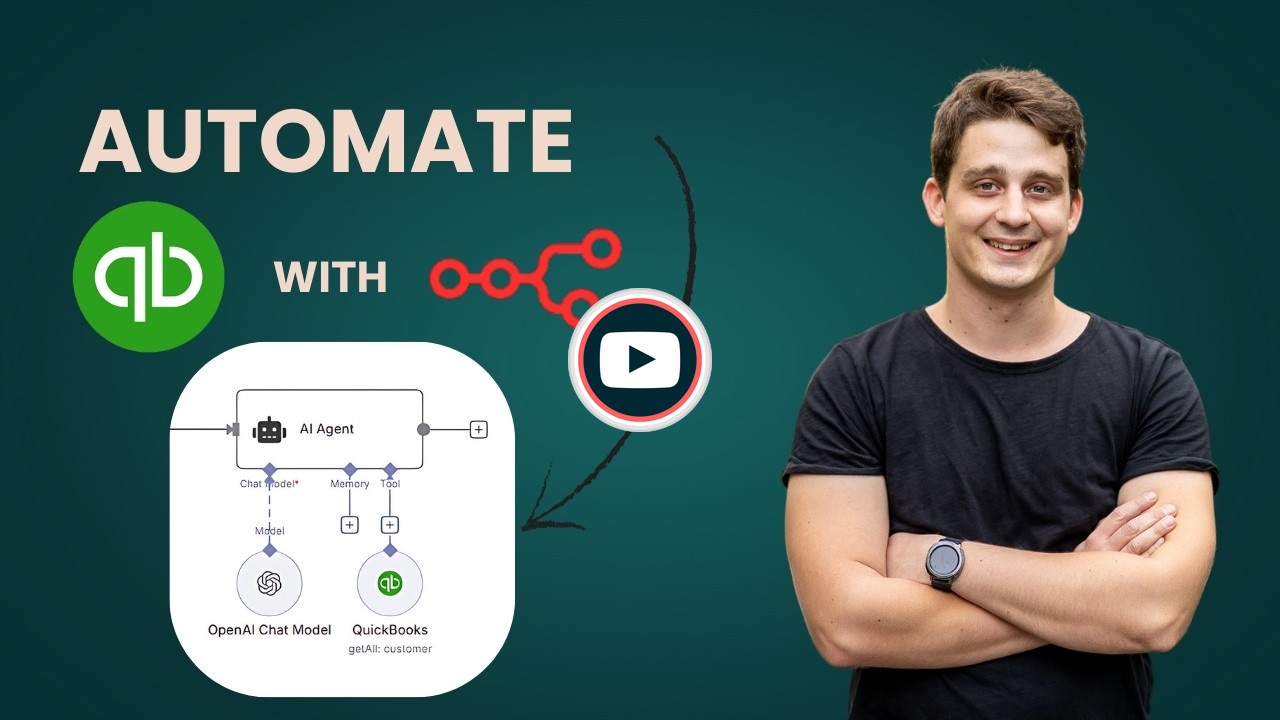
This workflow creates an AI-powered chatbot that answers natural language questions about your QuickBooks data in real-time. Users can interact with a public chat interface to query customer information, balances, invoices, and other accounting data without needing to navigate the QuickBooks interface directly. The AI agent uses OpenAI’s language model to understand questions and automatically retrieves the relevant data from QuickBooks.
Key Features
- Natural Language Interface: Ask questions like “How many customers do we have?” or “What’s the total balance across all customers?” and get instant answers
- Public Chat URL: Share a link with team members or stakeholders so they can access QuickBooks insights without direct system access
- Customizable Data Access: Configure the QuickBooks tool to retrieve different resources (customers, invoices, expenses, bills, etc.) based on your needs
Common Use Cases
- Enable non-accounting staff to get quick answers about customer data
- Provide executives with on-demand financial insights without training them on QuickBooks
- Create a self-service interface for sales teams to check customer balances
- Build internal support bots that can answer accounting questions
Setup Requirements
- QuickBooks Developer Account: Register at
developer.intuit.comand create a new app with Accounting permissions - Credentials: Configure QuickBooks OAuth2 API credentials (Client ID, Client Secret, and Redirect URI from the Intuit Developer dashboard) and OpenAI API credentials
- Environment: Start with Sandbox mode for testing, then switch to Production after getting your app approved by Intuit
- Tool Configuration: The QuickBooks tool is pre-configured to retrieve all customer data, but you can modify the operation and filters to access different QuickBooks resources based on your requirements
🔗 Nodes Used
AI Agent, OpenAI Chat Model, Chat Trigger
📥 Import
Download workflow.json and import into n8n:
Workflow menu → Import from File