🎯 Automated Slack channel inactivity audit & report generator for workspace cleanup
⚡ 108 views · 🎯 AI Summarization & Classification
Description
Automated Slack Channel Audit Workflow with Chatbot and GPT-4.1
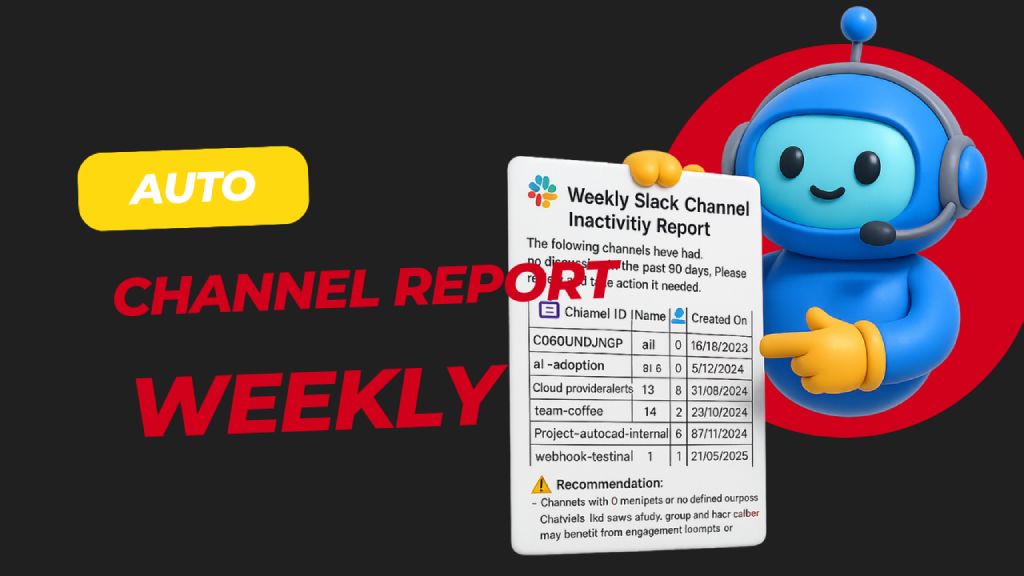 > Automatically scans all public Slack channels weekly to detect those with no activity in the past 30 days, then generates and sends a detailed inactivity report to admins for review and action. Helps keep your Slack workspace clean, relevant, and clutter-free.
🧑💼 Who’s it for
This workflow is built for:
- Slack Workspace Admins
- IT or Ops Managers
- HR/Compliance Teams …who want to maintain a clean and active Slack workspace by regularly reviewing inactive channels.
⚙️ How it works / What it does
This automated n8n workflow:
- Runs weekly via a scheduled trigger.
- Fetches all public Slack channels in the workspace.
- Checks message history of each channel for activity.
- Filters channels that have had no discussion in the past 30 days.
- Generates a Slack-friendly report with key metadata (name, member count, purpose, etc.).
- Sends the report to a Slack channel for admin review and possible action (e.g., archive, engage, repurpose).
🛠️ How to set up
-
Configure your Slack App
- Go to https://api.slack.com/apps → Create App
- Add the following OAuth scopes to your Bot Token:
channels:read→ to get list of public channelschannels:history→ to fetch message historyusers:read→ to personalize report (optional)chat:write→ to post the report to a Slack channel
-
Install the app in your workspace
- Copy the Bot User OAuth Token
- Add it to your n8n Slack credentials under “Slack API”
-
Customize the schedule in the “Weekly Schedule Trigger” node to control report frequency.
-
Connect your Slack workspace to the workflow using your credentials.
✅ Requirements
- n8n (self-hosted or cloud)
- Slack App with:
channels:readchannels:historychat:write
- Active channels and member data
- A designated Slack channel to receive the report
🔧 How to customize the workflow
| Component | Customization Options |
|---|---|
| ⏱️ Schedule Trigger | Change to daily, monthly, etc. |
| 📅 Inactivity Threshold | Modify Filter channel with last discussion 30 days ago to 60/90 days |
| 📊 Report Formatting | Tweak the Consume slack report node to change formatting or summary |
| 💬 Output Channel | Change target channel in Send Channel Inactivity Report |
| 🚫 Auto-archiving | Add logic to archive channels with 0 members or activity (using Slack API) |
📝 Slack Permissions Reference
| Action | Slack Scope Required |
|---|---|
| Get all public channels | channels:read |
| Get message history of a channel | channels:history |
| Post message to Slack | chat:write |
| Get user info (optional) | users:read |
🔗 Nodes Used
Slack, Schedule Trigger, Filter
📥 Import
Download workflow.json and import into n8n:
Workflow menu → Import from File