🎬 Create SEO blog drafts with OpenAI, Canvora, and WordPress
⚡ 14 views · 🎬 Content Creation & Video
Description
Quick overview
This workflow collects a target SEO keyword via an n8n form, uses OpenAI to generate a publish-ready article, generates a matching featured image and OG image with Canvora, and then creates a draft post in WordPress with the image embedded.
How it works
- Receives a target keyword (and optional brand ID) from an n8n form submission.
- Uses OpenAI to write an SEO-optimized article and returns strict JSON containing the title, HTML body, and a one-sentence visual summary.
- Parses the AI response into structured fields and sends the summary/title to the Canvora API to generate a blog featured image and Open Graph image.
- Polls Canvora for the generation status until it completes or times out.
- If generation succeeds, builds the final WordPress content by embedding the featured image above the article HTML.
- Creates a draft post in WordPress with the generated title and content, or stops if the image generation fails.
Setup
- Add your OpenAI API credentials to the OpenAI step and keep the model/prompt aligned with the required JSON output.
- Create a Canvora account, generate an API key, and configure an HTTP Header Auth credential (for example,
X-API-Key: <your key>) on the Canvora HTTP Request steps. - Connect your WordPress credentials and confirm the site has permission to create draft posts.
- Open the form URL from the trigger node to submit a keyword (and optional Canvora brandId) for testing.
Requirements
- A free Canvora account (API keys on all plans).
- An OpenAI API key (or Claude/Gemini).
- A WordPress site credential.
Customization
- Add
blog_headerorinstagram_postto outputFormats (100+ formats: GET /api/formats). - Pass a
brandId(GET /api/brands) to lock every visual to your brand kit. - Swap the form trigger for a Google Sheets or Airtable row to run a keyword queue.
Additional info
- Core nodes – Cloud & self-hosted. Nodes: Form Trigger, OpenAI, Code, HTTP Request, Wait, IF, WordPress.
- Works inside ChatGPT, Claude & any workflow → canvora.ai/for-agents.
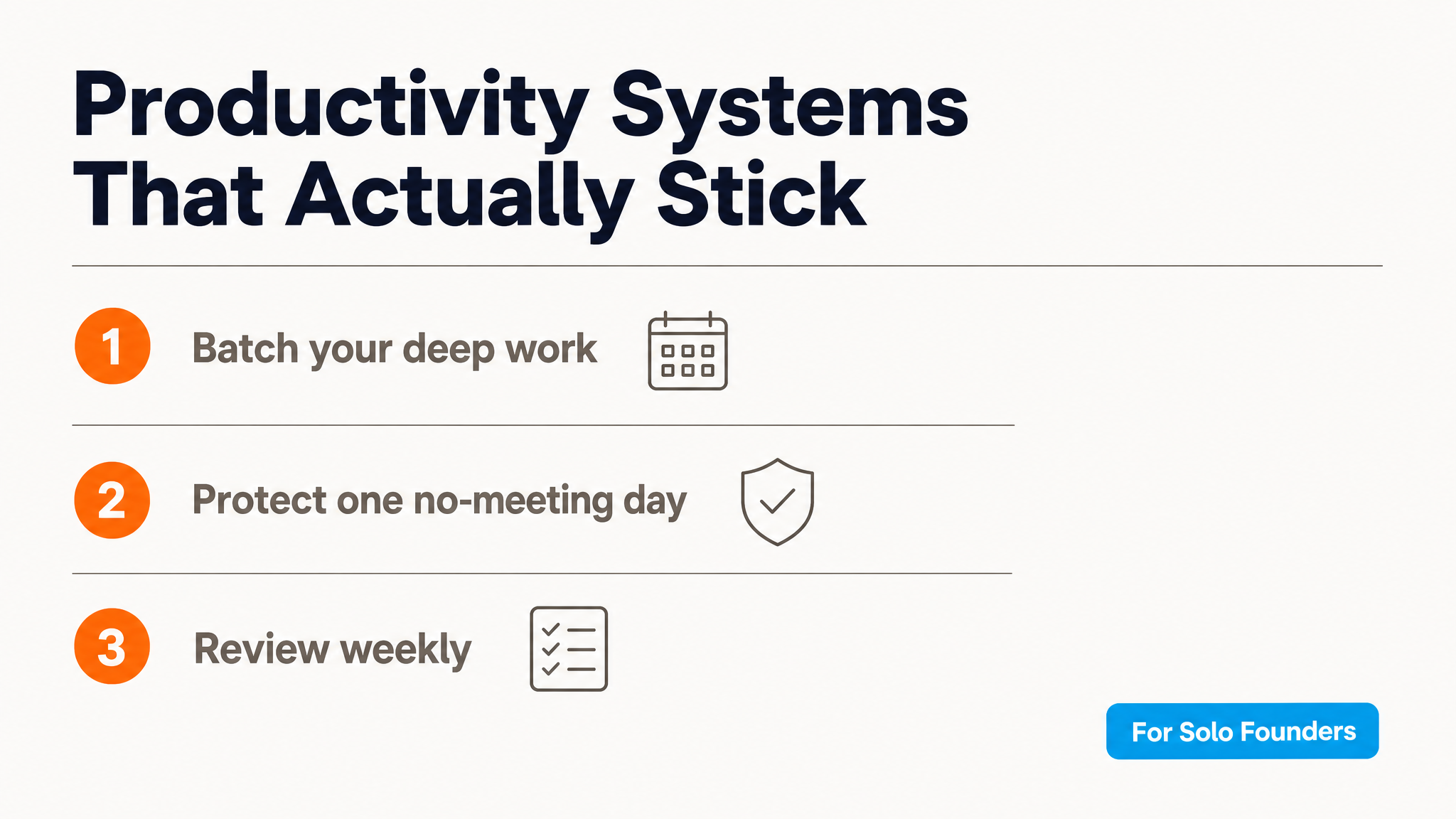
Example output (featured image + OG card, generated by this exact workflow – real run):

🔗 Nodes Used
HTTP Request, Wordpress, n8n Form Trigger, OpenAI
📥 Import
Download workflow.json and import into n8n:
Workflow menu → Import from File