🎬 🎨 AI design team - generate and review AI images with Ideogram and OpenAI
⚡ 12,350 views · 🎬 Content Creation & Video
Description
🎨 AI Graphic Design Team - Generate and Review AI Images with Ideogram and OpenAI
Description
Who is this for?
This workflow is perfect for graphic designers, creative agencies, marketing teams, or freelancers who regularly use AI-generated images in their projects. It’s specifically beneficial for teams that want to automate the generation, review, and management of AI-created graphics efficiently.
What problem does this workflow solve?
Design teams often face time-consuming manual reviews and inconsistent quality checks for AI-generated images. This workflow addresses these challenges by automating image generation and introducing a systematic, AI-driven vetting process. This ensures only high-quality, relevant images reach your team’s assets, saving valuable time and enhancing workflow efficiency.
What this workflow does
- AI Image Generation: Integrates Ideogram via HTTP Request to automatically create AI-generated images based on creative briefs.
- Automated Image Review: Uses OpenAI to automatically evaluate and approve images, ensuring they meet your predefined quality standards.
- Efficient Asset Management: Automatically creates structured Google Drive folders and compiles key metadata (including creation dates, prompts, and image links) into a CSV file and Google Sheet.
- Immediate Email Notifications: Delivers a setup confirmation and provides easy access to Google Drive folders and assets via automated email notifications.
- Final Approved Images: Outputs vetted, ready-to-use images for your creative projects, removing the burden of manual reviews.
Setup
-
Initial Email Configuration
- Update your email details in both the “Setup Gmail” node and the “Gmail” notification node.
- Run the initial setup workflow to automatically create the Google Drive folders “Graphic_Design_Team” and “Image_Generations,” and upload your CSV file (
n8n-Graphic_Design_Team.csv).
-
Review Email & Set Up Google Sheets
- Check your inbox for an automated email containing folder IDs and direct links.
- Create and set up a Google Sheet by importing the provided CSV data from your email.
-
Update Workflow Nodes
- Select your newly created Google Sheet in both Google Sheets nodes.
- Update your Creative Brief node with the Google Drive folder IDs provided in the email.
-
Run Workflow for AI Image Generation & Review
- Execute the workflow. Your generated images will be automatically vetted, organized, and ready for creative use.
How to Customize This Workflow
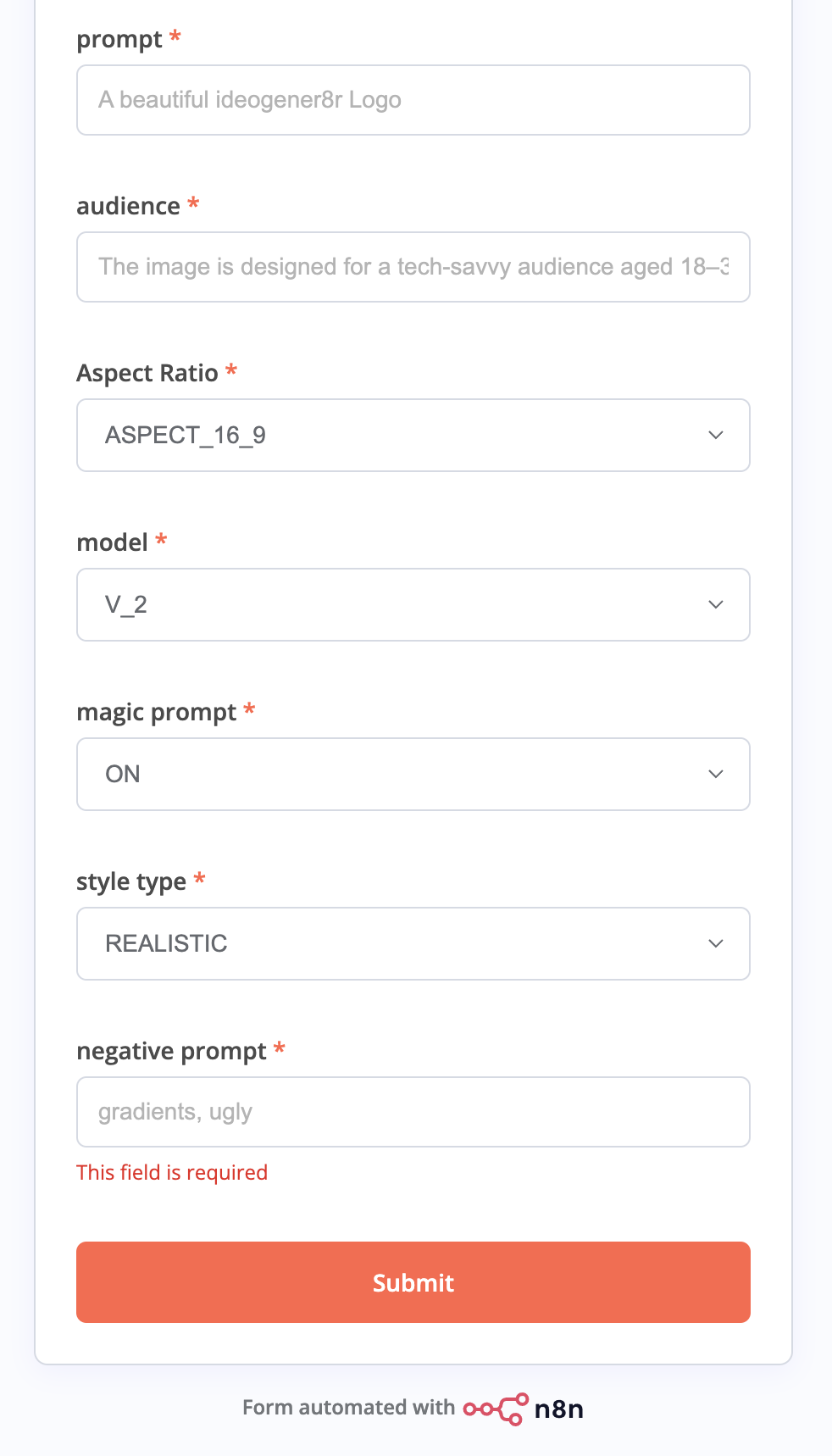
- Tailor Image Generation Prompts: Adjust prompts and settings in the Ideogram HTTP Request node to better fit your project’s creative requirements.
- Set Quality Standards: Modify the criteria used by the OpenAI node to reflect your specific standards and preferences for image approval.
- Customize Asset Organization: Adapt Google Drive folder structures, CSV headers, or Google Sheets integrations to match your team’s organizational preferences.
Dependencies & Requirements
-
Nodes Used:
- HTTP Request (Ideogram API integration)
- OpenAI (Image review and quality assessment)
- Gmail (Automated notifications)
- Google Drive (File and asset management)
- Google Sheets (Metadata organization)
-
Credentials: Ensure Gmail, Google Drive, Google Sheets, and OpenAI credentials are properly configured in your n8n account. No custom or community nodes are needed.
Final Outcome
Upon completion, your workflow efficiently provides vetted, high-quality AI-generated images, organized in Google Drive and accessible via easy-to-use metadata in Google Sheets, drastically reducing manual intervention and accelerating your creative processes.
🔗 Nodes Used
Google Sheets, HTTP Request, Google Drive, Gmail, Basic LLM Chain, OpenAI Chat Model
📥 Import
Download workflow.json and import into n8n:
Workflow menu → Import from File