🎬 Learn anything, write a book, design a curriculum
⚡ 1,058 views · 🎬 Content Creation & Video
Description
Hey n8n Innovators & Knowledge Seekers! 👋
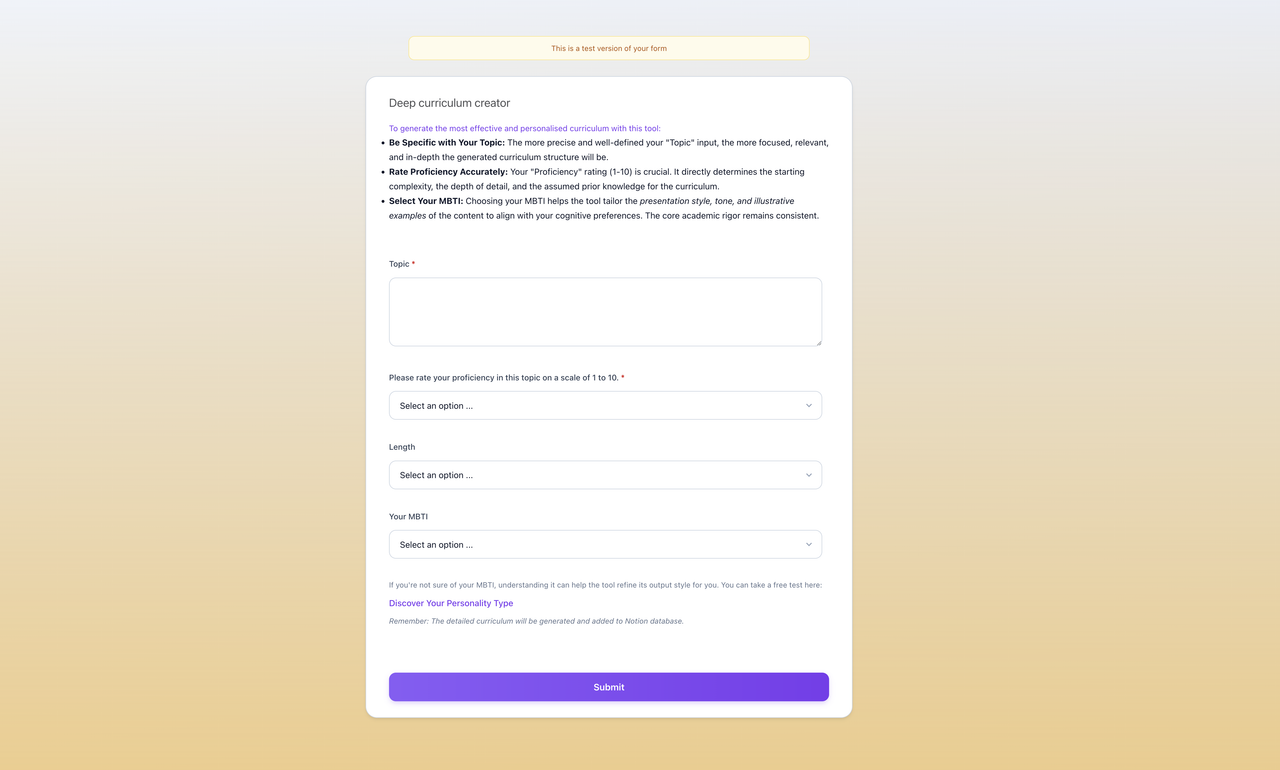
Ever felt that spark? That “aha!” moment when you realize you need to dive deep into a new subject? Or maybe you’ve got a brilliant idea for a course, a comprehensive guide, or even the seeds of your next groundbreaking book, but the thought of structuring it all makes your brain do a backflip?
What if you had an AI co-pilot, right within n8n, to help you LEARN ANYTHING profoundly, DESIGN A DETAILED CURRICULUM from scratch, or even OUTLINE YOUR NEXT BESTSELLER – and then beam it all into a beautifully organized Notion workspace?
Well, dream no more! I’m super stoked to share a set of n8n workflows I’ve cooked up that does exactly this.
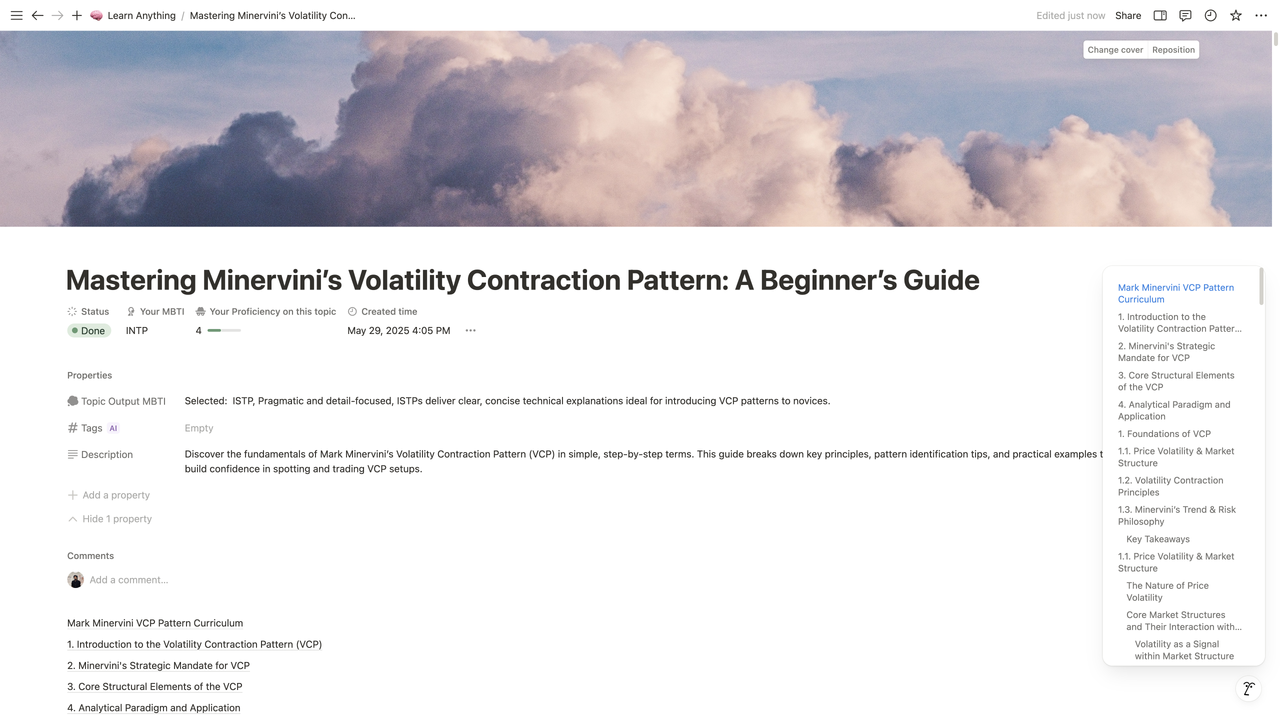
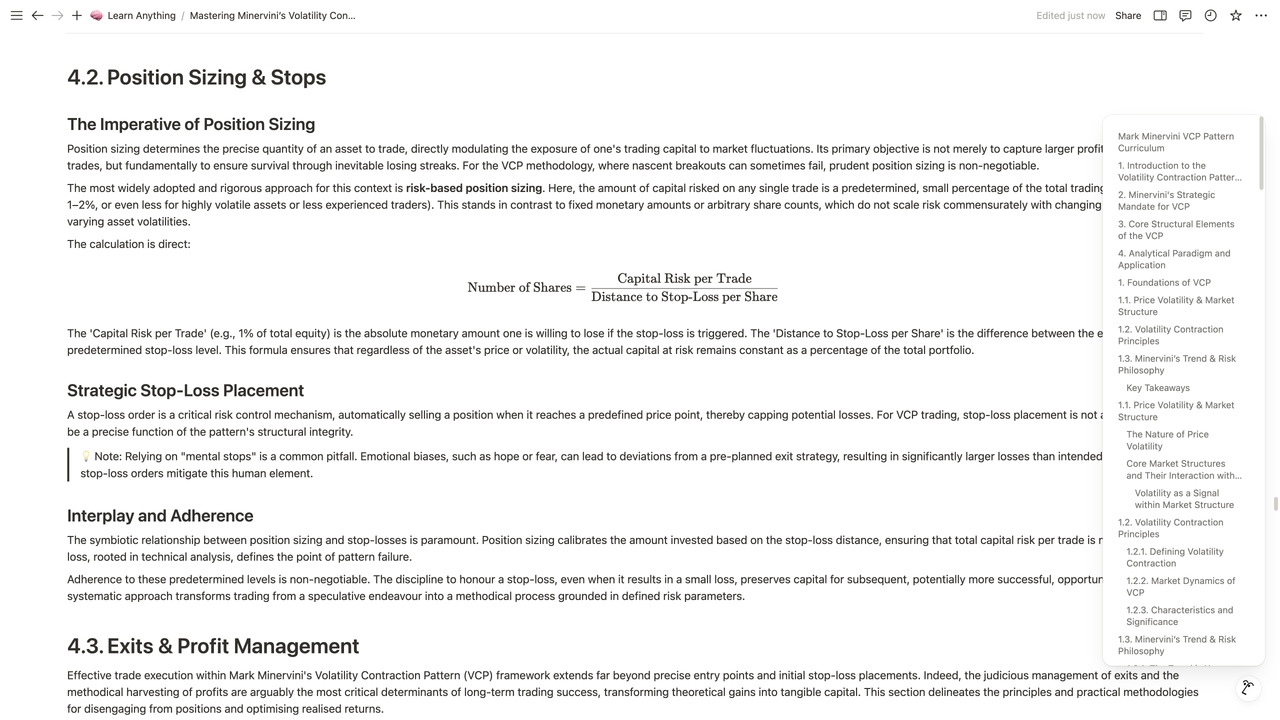
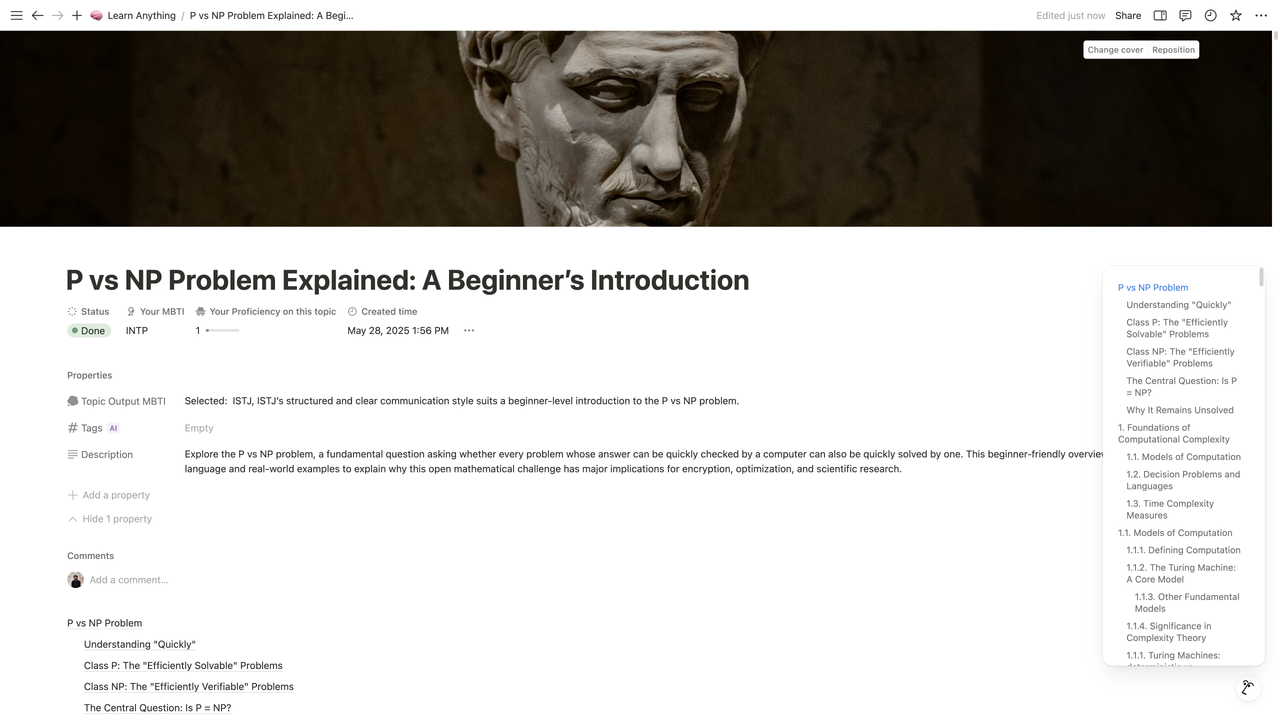
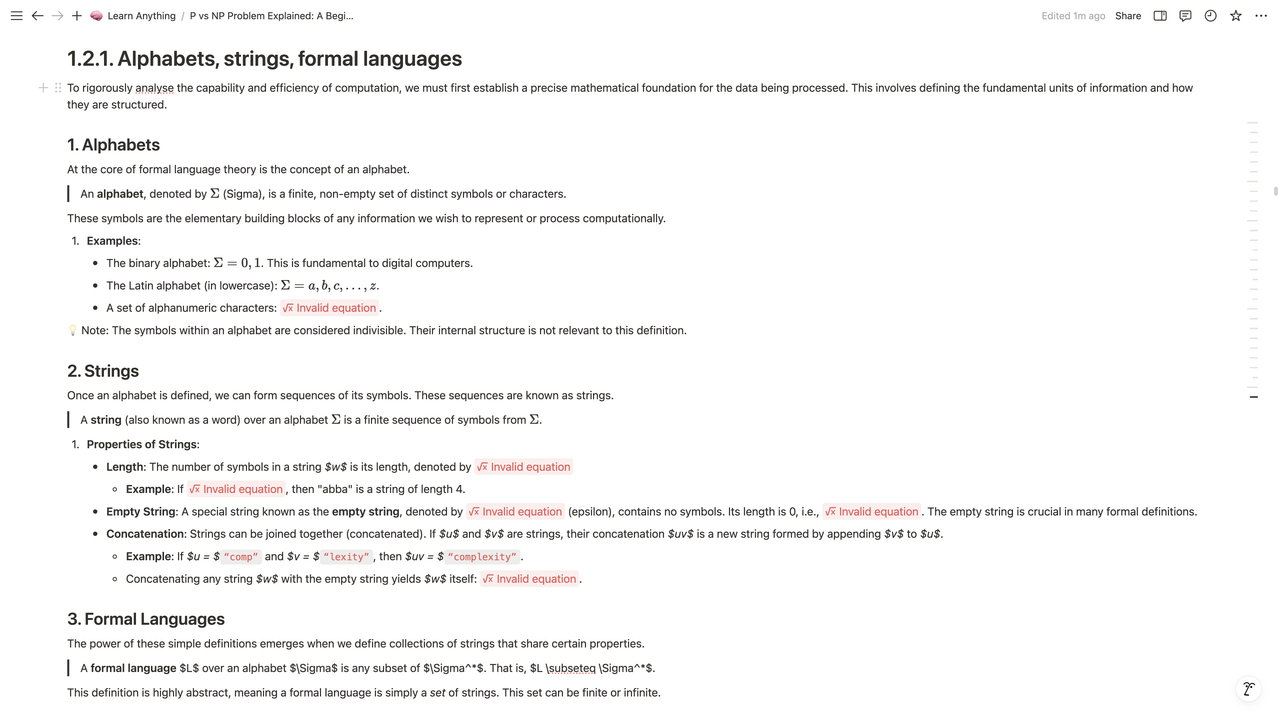
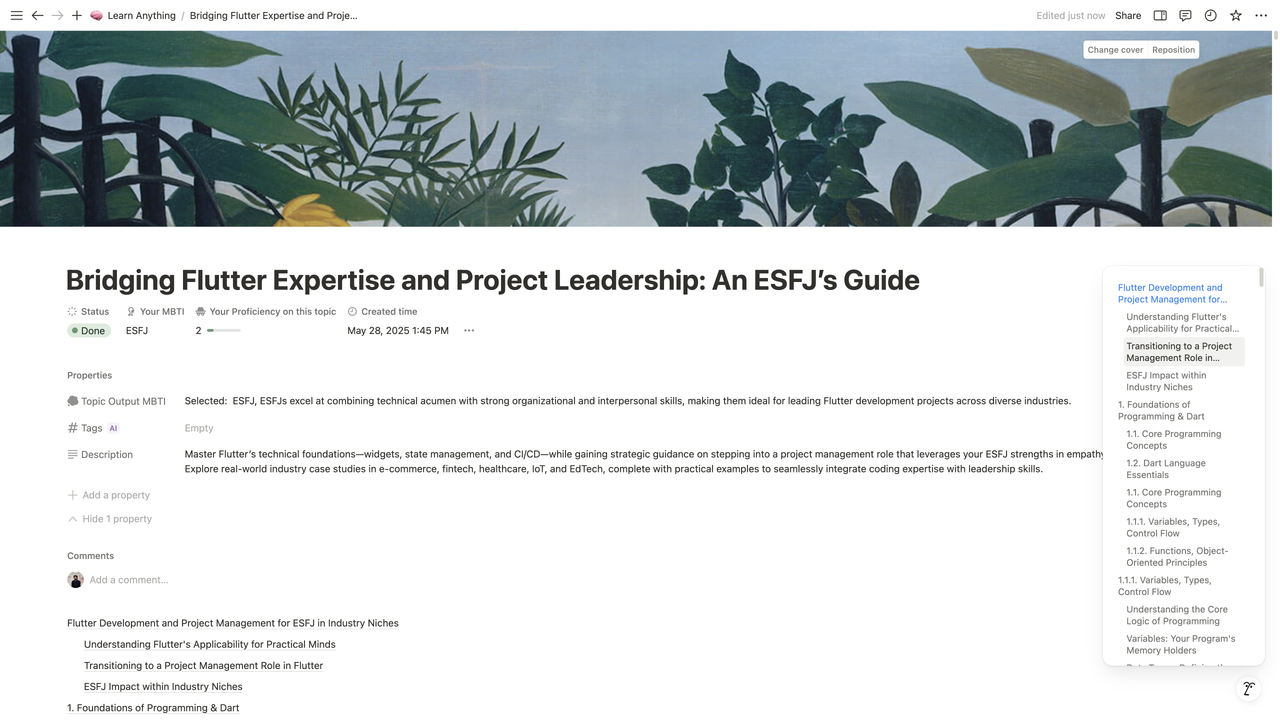
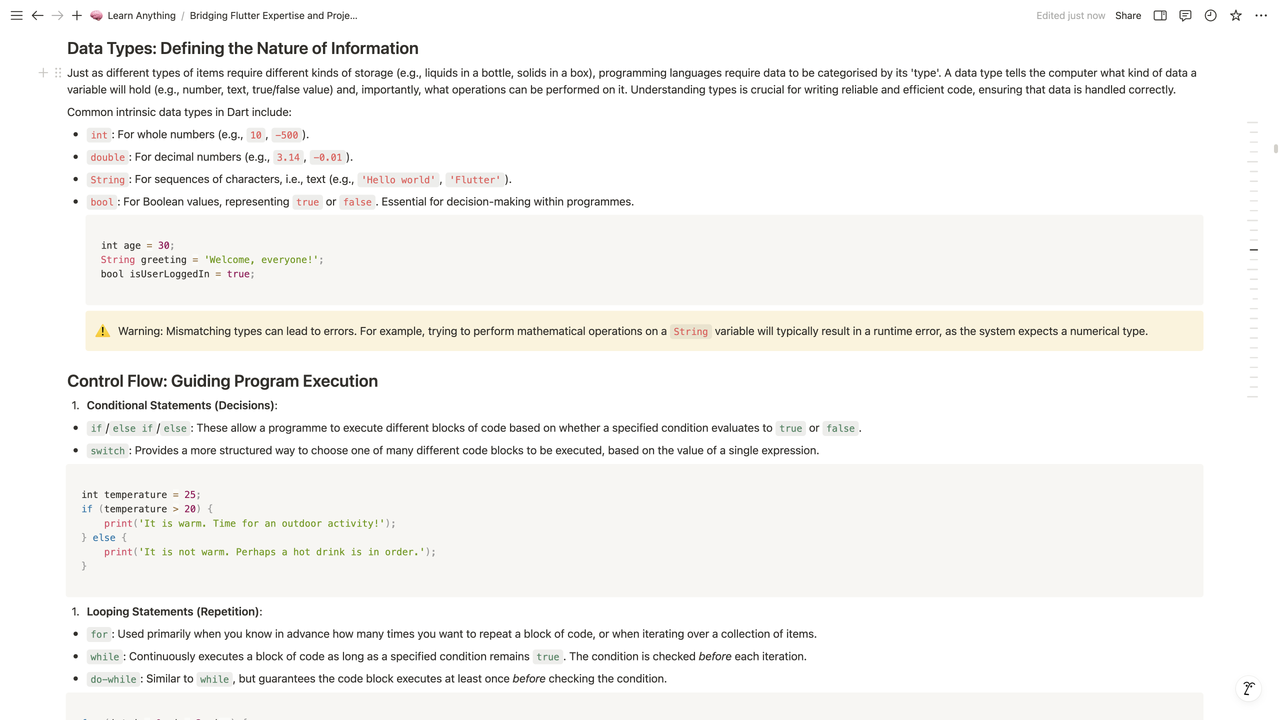
Picture This: You Want To…
- 🚀 Master the Unfamiliar: Finally conquer the intricacies of Decentralized Finance (DeFi), understand the core principles of Permaculture Design, or even get a solid grasp on Cognitive Bias in Decision Making. Just tell the AI your starting point!
- 📚 WRITE THAT BOOK! Been mulling over a guide on Sustainable Urban Living? Or a deep dive into The History of Ancient Philosophies? Let AI generate your chapter outlines, key concepts, and foundational content.
- 🎓 CREATE A WORLD-CLASS CURRICULUM: Planning a workshop on Advanced Data Visualization Techniques? Or an online course on The Fundamentals of Ethical AI Development? Get a comprehensive, Harvard-level syllabus structure in minutes.
- 🧠 Personalize Your Knowledge Journey: Get content adapted not just for your current skill level, but with presentation hints based on cognitive styles (yep, we’re playing with MBTI!).
So, How Does This AI Magic Work in n8n?
It’s a dynamic duo of workflows:
- The “Learn Anything” Maestro:
- You feed it your topic, how much you know, (optionally) your MBTI, and how deep you want to go via a cool, custom-styled form.
- AI models (via OpenRouter) then get to work, sketching out a full hierarchical curriculum and brainstorming a catchy title and description.
- Then, for every single section in your new plan, our “SeniorWriter” AI crafts rich, detailed content. Think of it as your personal subject matter expert on tap!
- The “Notion Block Ninja” Sub-Workflow:
- This trusty sidekick takes all that awesome Markdown content.
- It intelligently converts it into the precise JSON that Notion loves, ensuring every heading, list, and table looks perfect.
- Then whoosh – it’s all uploaded to your Notion page, organized and ready.
Why Share This? Because Knowledge Should Be Accessible & Creation Fun!
I’m a firm believer that n8n isn’t just for business tasks; it’s an incredible platform for personal growth, learning, and creative exploration. This project is all about making it easier to dive deep, structure your thoughts, and bring big ideas to life.
Ready to Unleash Your AI Co-Pilot?
I’ll be dropping the workflow JSONs and a setup guide (with a handy Notion database template link!) in the comments or a follow-up. You’ll just need your Notion API key and an OpenRouter API key (they’ve got free tiers to get you started exploring!).
Think of the Possibilities! You could be:
- Building custom learning paths for yourself or your team.
- Rapidly prototyping educational content.
- Finally writing that book you’ve always talked about.
- Just satisfying your endless curiosity on any subject under the sun!
I can’t wait to hear what you think, the amazing topics you explore, and any brilliant ideas you have to make this even more powerful!
Let the learning (and creating) begin! 🚀
🔗 Nodes Used
HTTP Request, Execute Sub-workflow, Notion, Markdown, Execute Workflow Trigger, Filter
📥 Import
Download workflow.json and import into n8n:
Workflow menu → Import from File