🎬 Turn ideas into movies with DeepSeek, RunwayML, ElevenLabs & Creatomate
⚡ 1,089 views · 🎬 Content Creation & Video
💡 Pro Tip — Since TikTok doesn’t have a public API, getting data usually means fragile HTTP scraping. ScraperNode is a community node that gives you clean JSON for TikTok profiles, videos, and comments — drop it into your workflow and skip the parsing.

Description
How It Works
- Story Generation – Your idea is transformed into a narrative split into scenes using DeepSeek LLM.
- Visuals – Each scene is illustrated with AI images via Replicate, then animated into cinematic video clips with RunwayML.
- Voice & Music – Narration is created using ElevenLabs (text-to-speech), while Replicate audio models generate background music.
- Final Assembly – All assets are merged into a professional video using Creatomate.
- Delivery – Everything is orchestrated by n8n, triggered from Slack with
/render, and the final video link is delivered back instantly.
Workflow in Action
1. Trigger from Slack
Type your idea with /render in Slack - the workflow starts automatically.
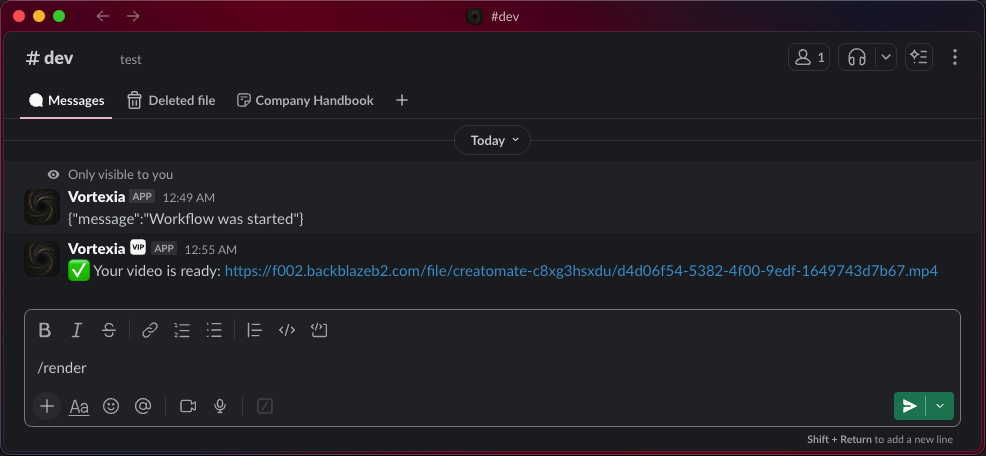
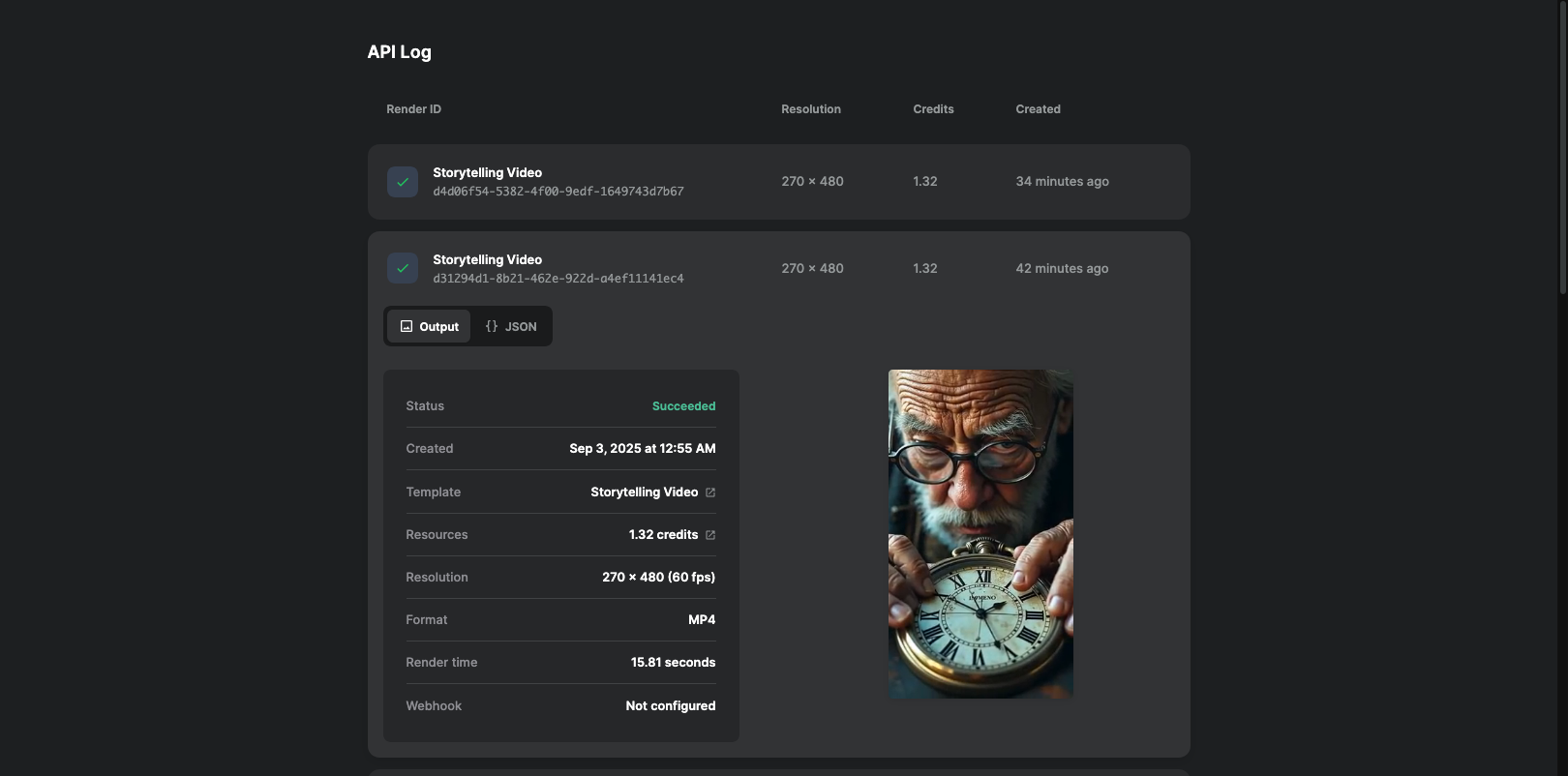
2. Final Video Output
Receive a polished cinematic video link in Slack.
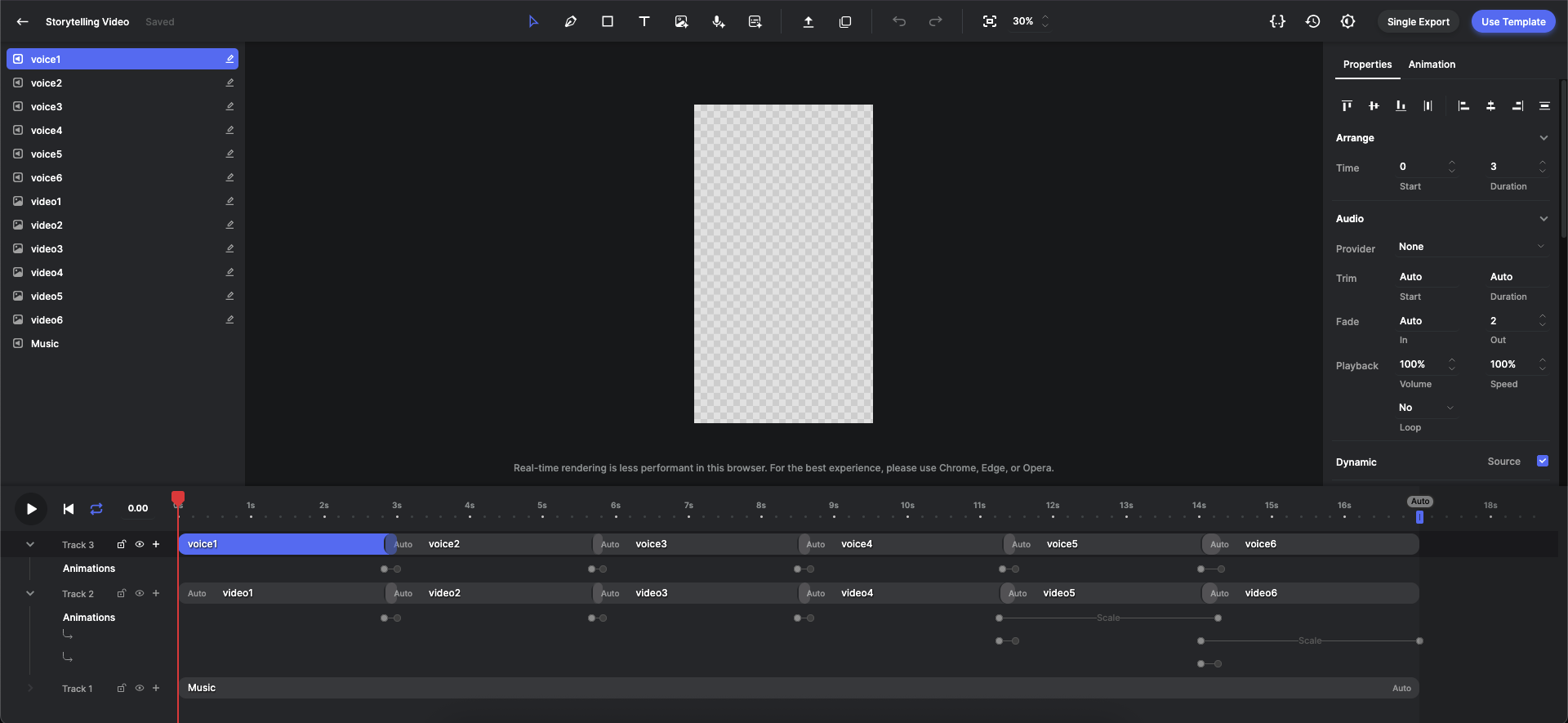
3. Creatomate Template
⚠️ Important: You must create your own template in Creatomate.
This is a one-time setup - the template defines where the voiceover, music, and video clips will be placed.
The more detailed and refined your template is, the better the final cinematic result.
Required APIs
To run this workflow, you need accounts and API keys from the following services:
- DeepSeek – Story generation (LLM)
- Replicate – Images & AI music generation
- RunwayML – Image-to-video animations
- ElevenLabs – Text-to-speech voiceovers
- Creatomate – Video rendering and templates
- Dropbox – File storage and asset syncing
- Slack – Workflow trigger and video delivery
Setup Steps
- Import the JSON workflow into your n8n instance.
- Add your API credentials for each service above.
- Create a Creatomate template (only once) – define layers for visuals, voice, and music.
- Trigger the workflow from Slack with
/render Your Story Idea. - Receive your final cinematic video link directly in Slack.
Use Cases
- Automated YouTube Shorts / TikToks for faceless content creators.
- Scalable ad creatives and marketing videos for agencies.
- Educational explainers and onboarding videos generated from text.
- Rapid prototyping of cinematic ideas for developers & storytellers.
With this workflow, you’re not just using AI tools – you’re running a full AI-powered studio in n8n.
🔗 Nodes Used
Dropbox, HTTP Request, Slack, Webhook, Notion, Basic LLM Chain
📥 Import
Download workflow.json and import into n8n:
Workflow menu → Import from File