⚙️ Deploy Docker InfluxDB, API backend for WHMCS/WISECP
⚡ 280 views · ⚙️ DevOps & CI/CD
Description
Overview
The Docker InfluxDB WHMCS module uses a specially designed workflow for n8n to automate deployment processes. The workflow provides an API interface for the module, receives specific commands, and connects via SSH to a server with Docker installed to perform predefined actions.
Prerequisites
- You must have your own n8n server.
- Alternatively, you can use the official n8n cloud installations available at: n8n Official Site
Installation Steps
Install the Required Workflow on n8n
You have two options:
Option 1: Use the Latest Version from the n8n Marketplace
- The latest workflow templates for our modules are available on the official n8n marketplace.
- Visit our profile: PUQcloud on n8n
Option 2: Manual Installation
- Each module version comes with a workflow template file.
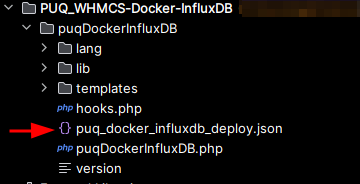
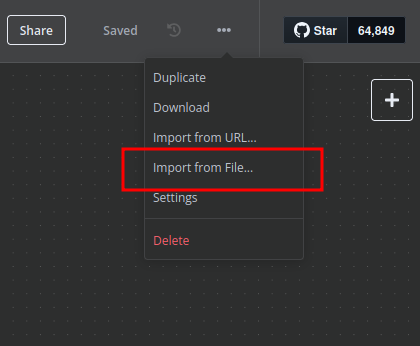
- You need to manually import this template into your n8n server.
n8n Workflow API Backend Setup for WHMCS/WISECP
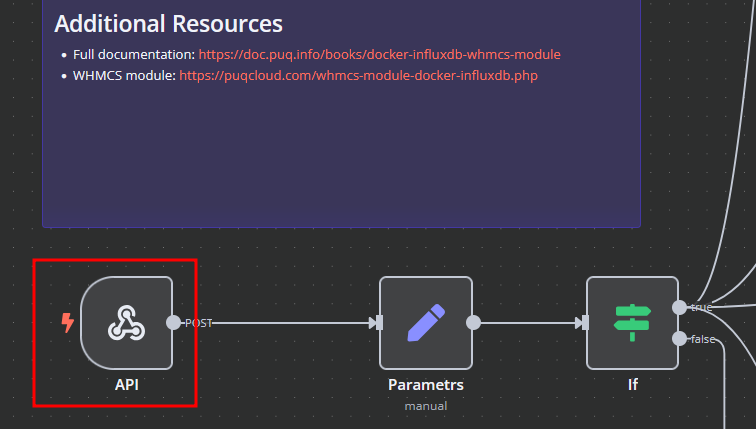
1. Configure API Webhook and SSH Access
-
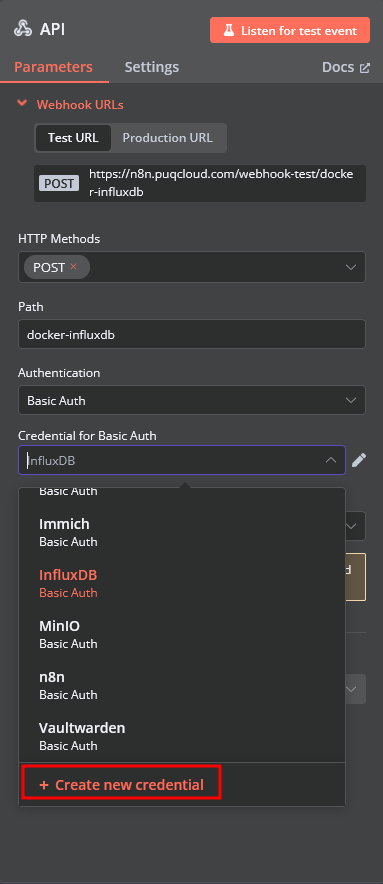
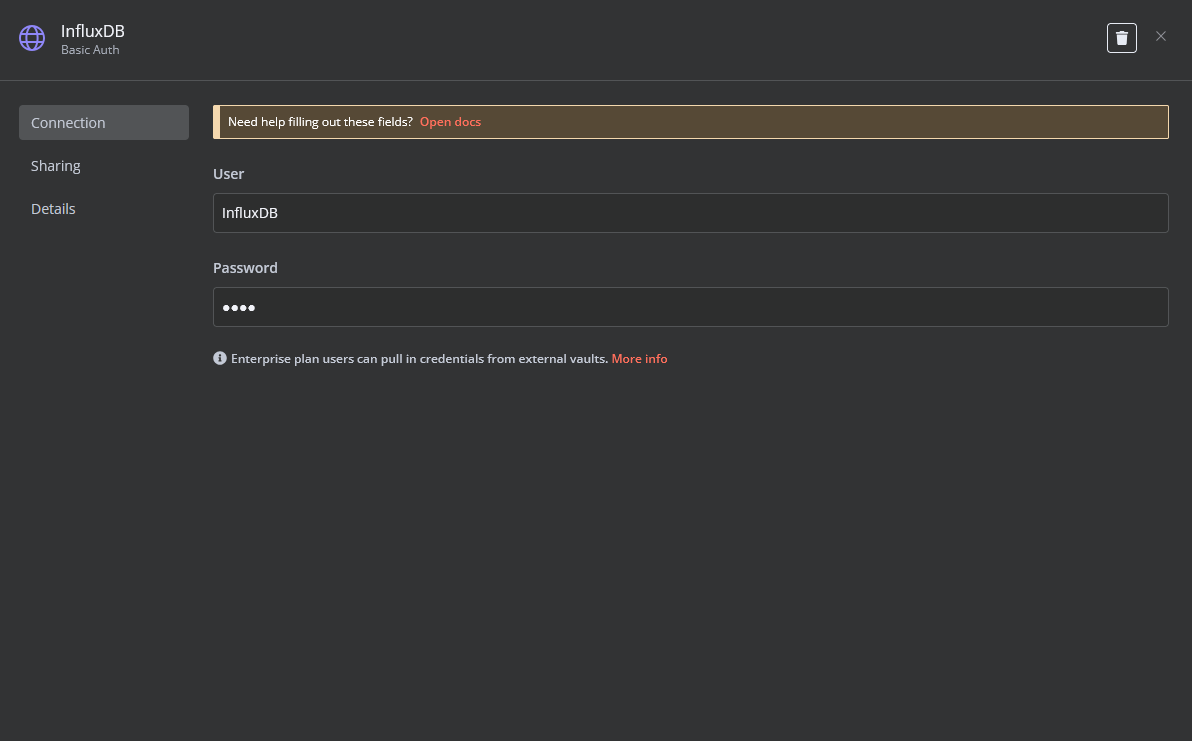
Create a Basic Auth Credential for the Webhook API block in n8n.
-
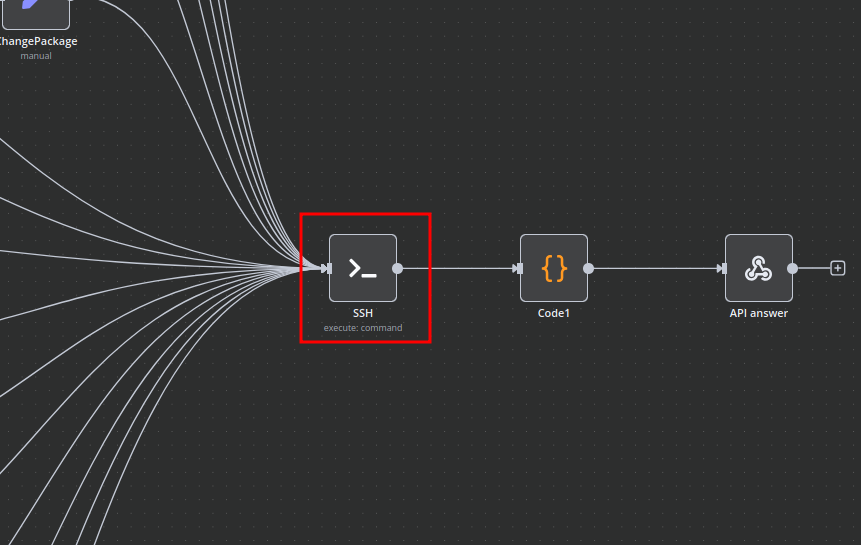
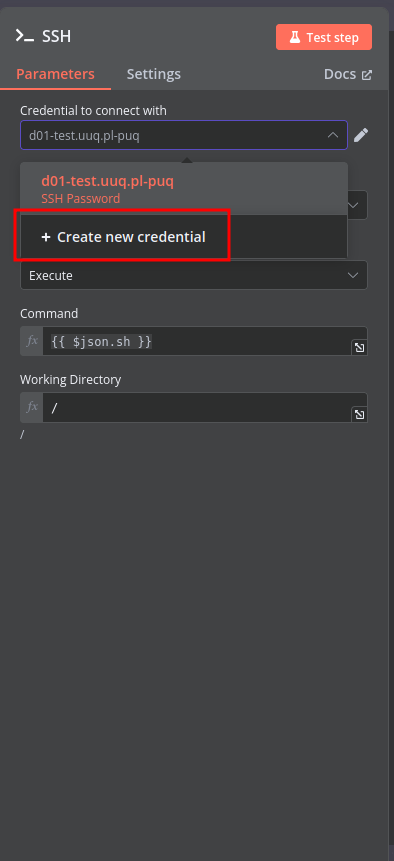
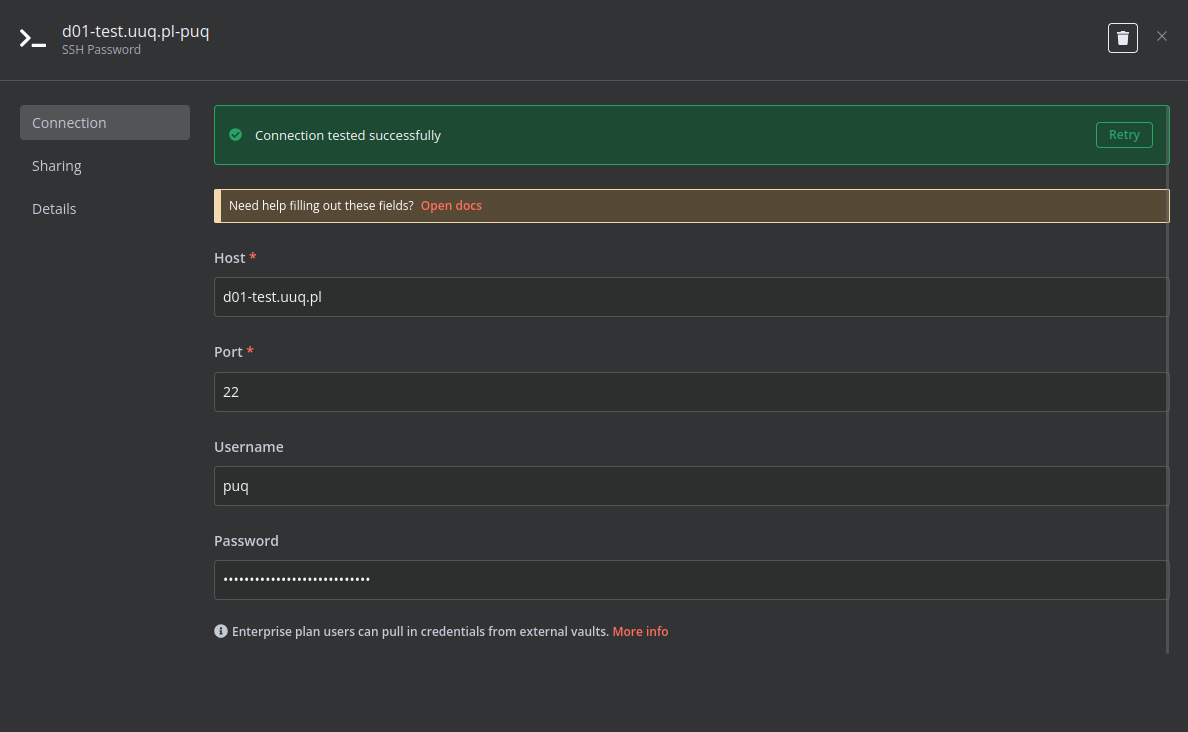
Create an SSH Credential for accessing a server with Docker installed.
2. Modify Template Parameters
In the Parameters block of the template, update the following settings:
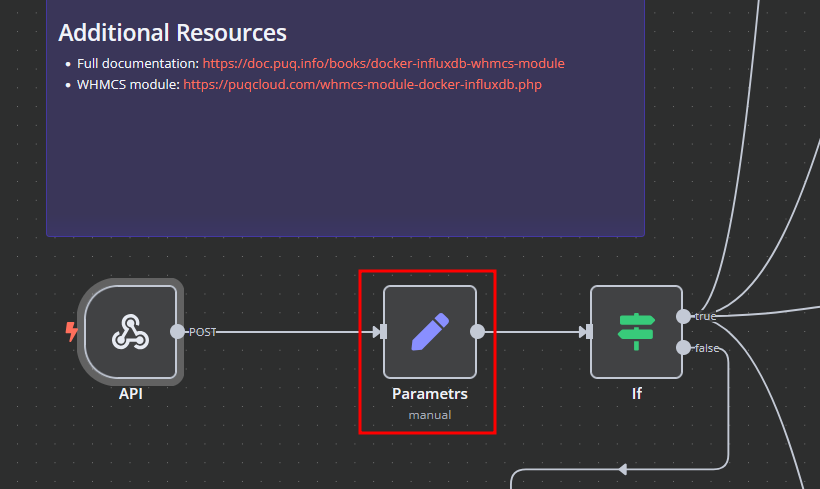
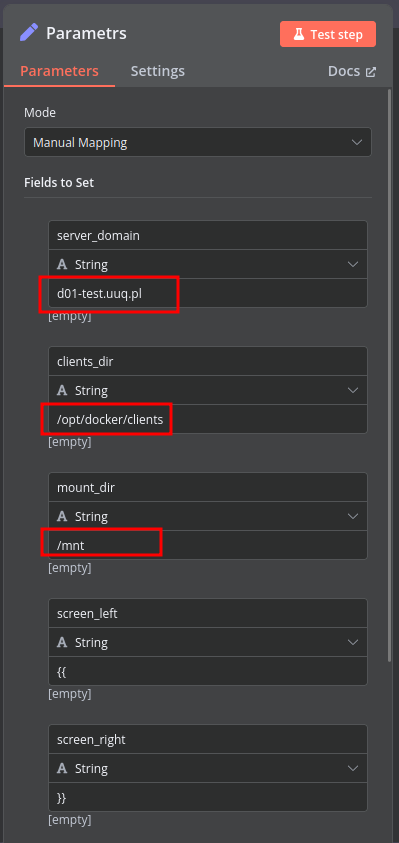
server_domain– Must match the domain of the WHMCS/WISECP Docker server.clients_dir– Directory where user data related to Docker and disks will be stored.mount_dir– Default mount point for the container disk (recommended not to change).
Do not modify the following technical parameters:
screen_leftscreen_right
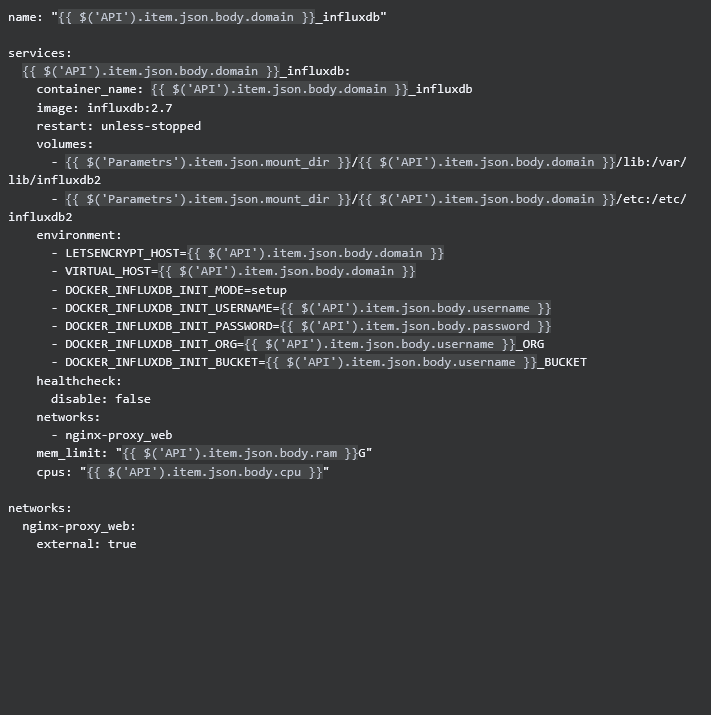
Deploy-docker-compose
In the Deploy-docker-compose element, you can modify the Docker Compose configuration. This is generated in the following scenarios:
- When the service is created
- When the service is unlocked
- When the service is updated
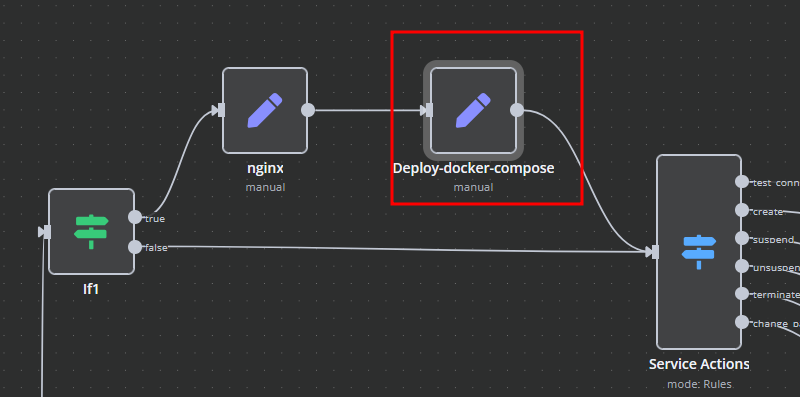
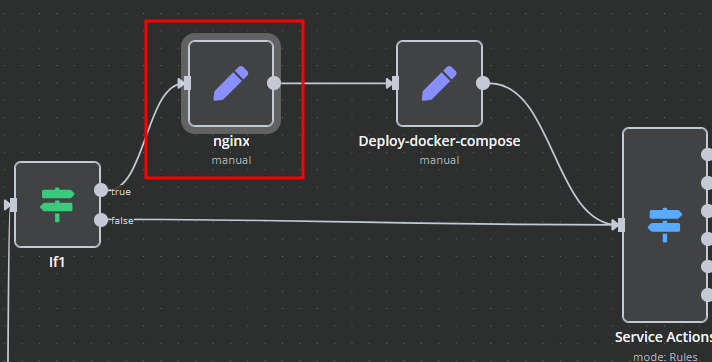
nginx
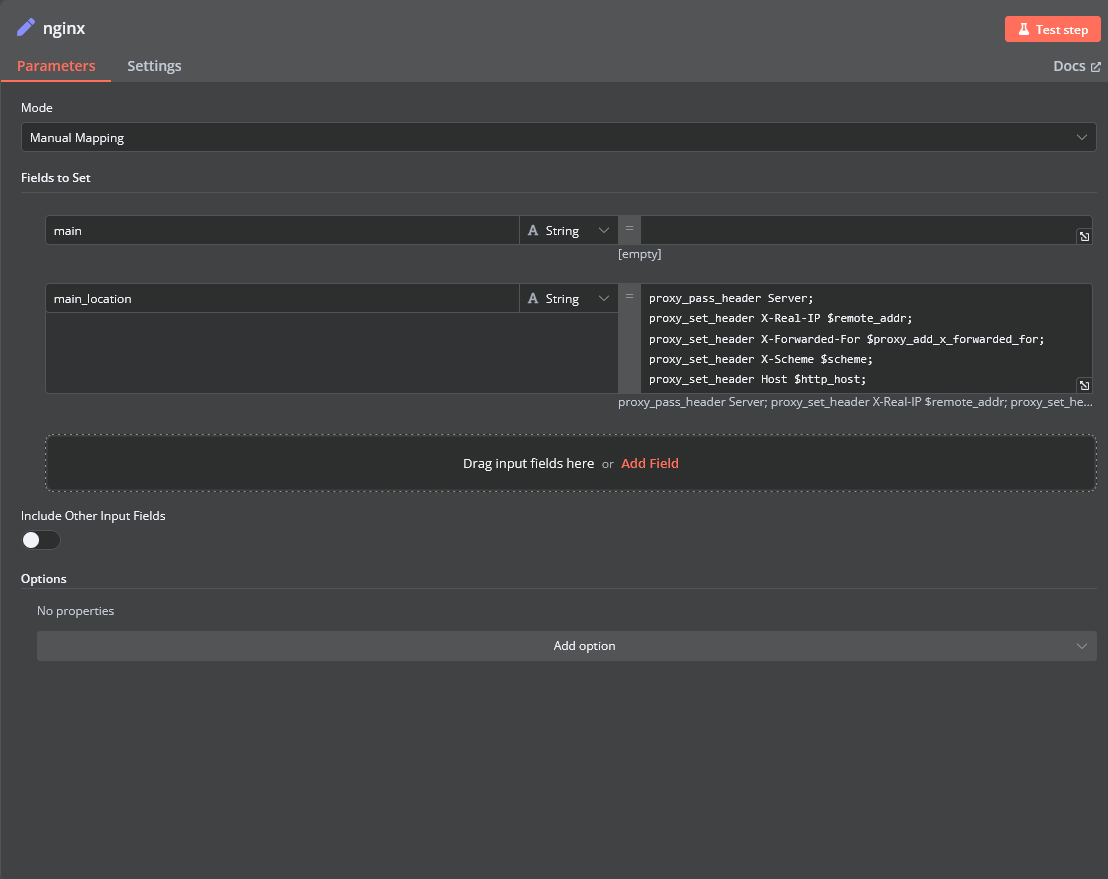
In the nginx element, you can modify configuration parameters of the web interface proxy server.
- The main section allows you to add custom parameters to the
serverblock in the proxy server configuration file. - The main_location section contains settings that will be added to the
location /block of the configuration. Here, you can define custom headers and parameters.
Bash Scripts
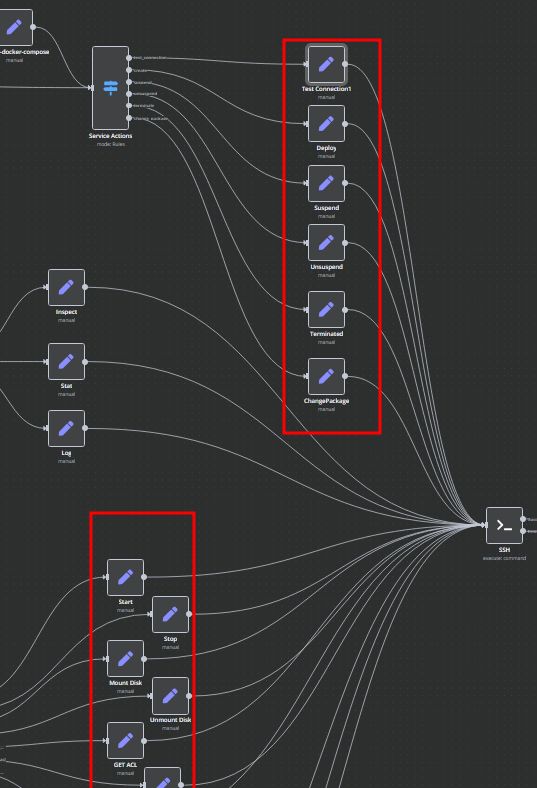
Management of Docker containers and related procedures is done by executing Bash scripts generated in n8n. These scripts return either JSON or plain strings.
- All scripts are located in elements directly connected to the SSH element.
- You have full control over any script and can modify or execute it as needed.
🔗 Nodes Used
Webhook, SSH
📥 Import
Download workflow.json and import into n8n:
Workflow menu → Import from File