⚒️ AI agent to chat with Supabase/PostgreSQL DB
⚡ 19,119 views · ⚒️ Engineering
Description
Video Guide
I prepared a detailed guide that showed the whole process of building a resume analyzer.
Who is this for?
This workflow is ideal for developers, data analysts, and business owners who want to enable conversational interactions with their database. It’s particularly useful for cases where users need to extract, analyze, or aggregate data without writing SQL queries manually.
What problem does this workflow solve?
Accessing and analyzing database data often requires SQL expertise or dedicated reports, which can be time-consuming. This workflow empowers users to interact with a database conversationally through an AI-powered agent. It dynamically generates SQL queries based on user requests, streamlining data retrieval and analysis.
What this workflow does
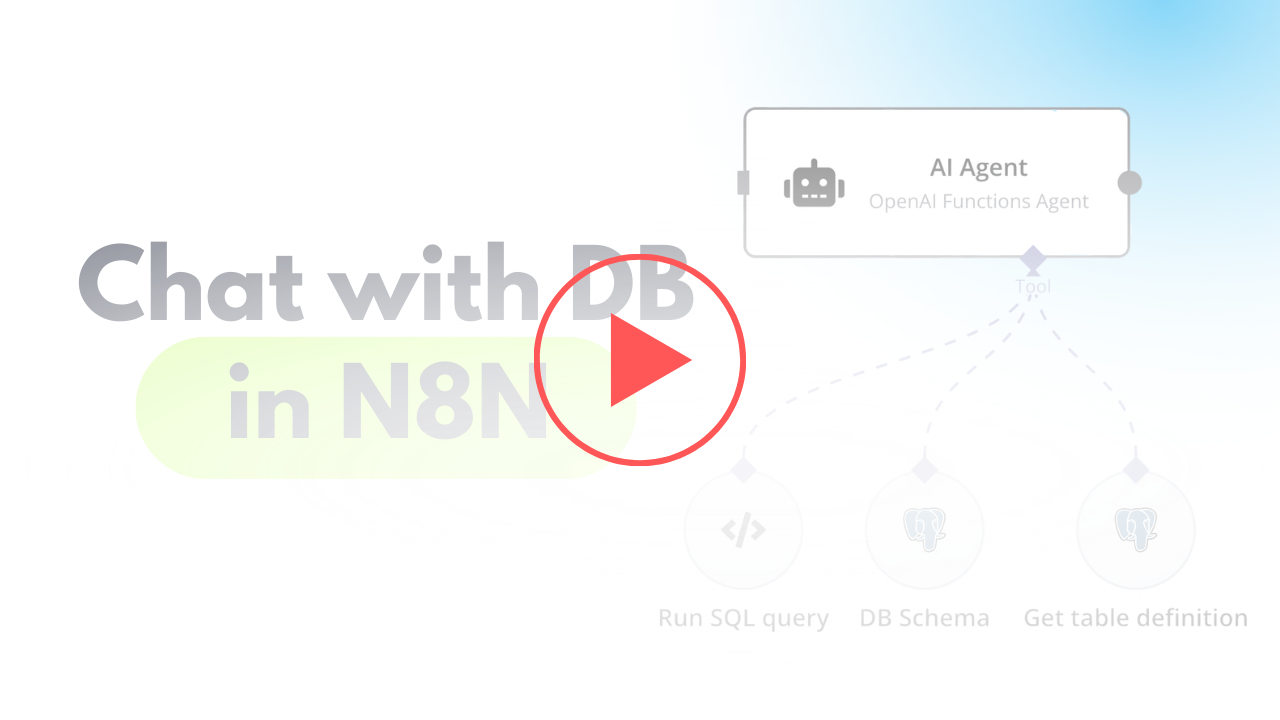
This workflow integrates OpenAI with a Supabase database, enabling users to interact with their data via an AI agent. The agent can:
- Retrieve records from the database.
- Extract and analyze JSON data stored in tables.
- Provide summaries, aggregations, or specific data points based on user queries.
- Dynamic SQL Querying: The agent uses user prompts to create and execute SQL queries on the database.
- Understand JSON Structure: The workflow identifies JSON schema from sample records, enabling the agent to parse and analyze JSON fields effectively.
- Database Schema Exploration: It provides the agent with tools to retrieve table structures, column details, and relationships for precise query generation.
Setup
Preparation
- Create Accounts:
- Configure Database Connection:
- Set up a PostgreSQL database in Supabase.
- Use appropriate credentials (
username,password,host, anddatabasename) in your workflow.
N8N Workflow
AI agent with tools:
- Code Tool:
- Execute SQL queries based on user input.
- Database Schema Tool:
- Retrieve a list of all tables in the database.
- Use a predefined SQL query to fetch table definitions, including column names, types, and references.
- Table Definition:
- Retrieve a list of columns with types for one table.
🔗 Nodes Used
AI Agent, OpenAI Chat Model, Chat Trigger
📥 Import
Download workflow.json and import into n8n:
Workflow menu → Import from File