⚒️ 🚛🗺️ Geocoding for logistics with Open Route API and Google Sheets
⚡ 1,797 views · ⚒️ Engineering
Description
Tags: Supply Chain, Logistics, Geocoding, Transportation, GPS API
Context
Hi! I’m Samir Saci, a Supply Chain Engineer and Data Scientist based in Paris, and founder of LogiGreen Consulting.
I help companies improve their logistics operations using data, AI, and automation to reduce costs and minimize environmental footprint.
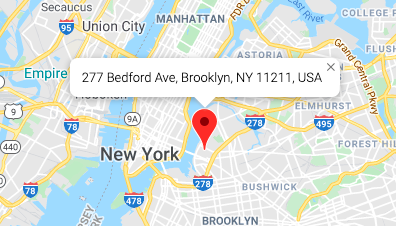
> Let’s use n8n to analyze geographical data!
📬 For business inquiries, you can add find me on LinkedIn
Who is this template for?
This workflow is designed for logistics and transport teams but also market analytics experts that need to process geocoding data (get GPS coordinates from addresses).

Ideal for:
- Transportation Planning
- Supply Chain Network Design
- Route optimization studies
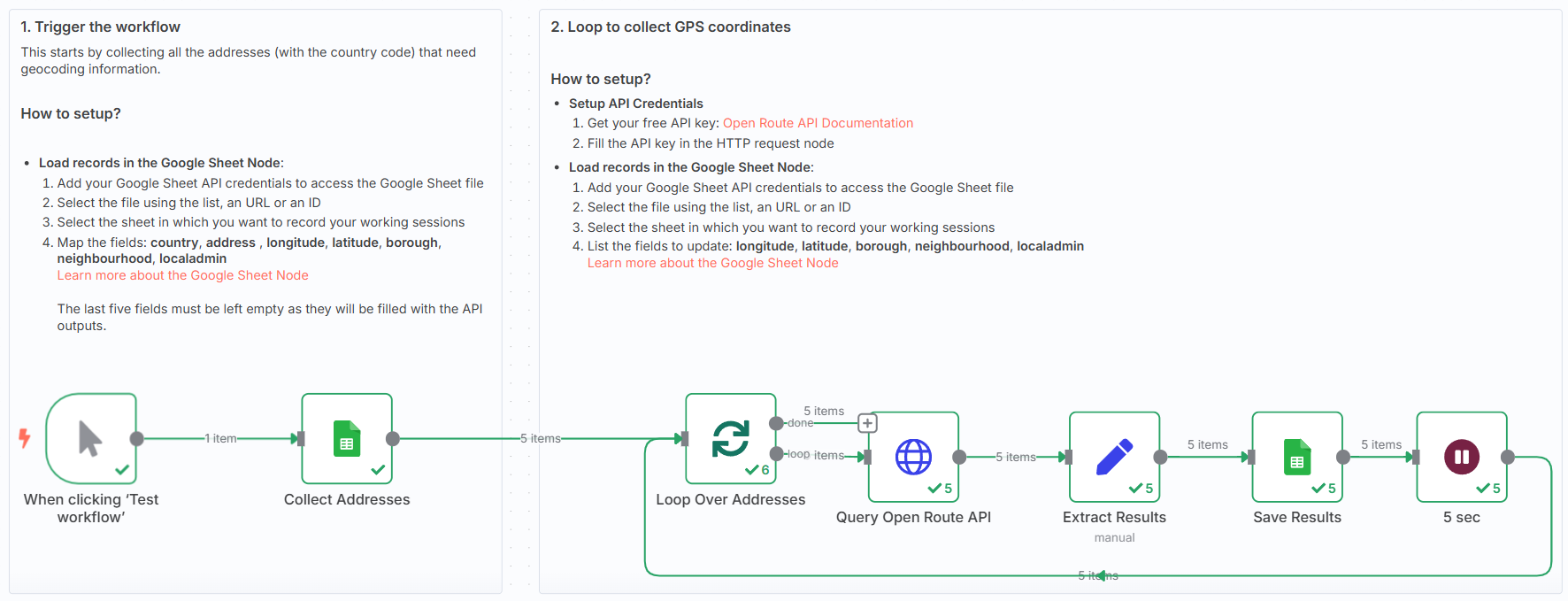
How does it work?
This n8n workflow connects to a Google Sheet where you store addresses with country codes, and uses the OpenRouteService API to calculate:
- 📏 GPS Coordinates (longitude, latitude)
- 🗺️ Neighbourhood, City and local information
Steps:
- ✅ Load addresses with country codes
- 🔁 Loop through each record
- 🚚 Query OpenRouteService
- 🧾 Extract and store results: longitude, latitude, neighbourhood
- 📤 Update the Google Sheet with new values
What do I need to get started?
This workflow is beginner-friendly and requires:
- A Google Sheet with route pairs (departure and destination coordinates)
- A free OpenRouteService API key
👉 Get one here
Next Steps
🗒️ Follow the sticky notes inside the workflow to:
- Select your sheet
- Plug in your API key
- Launch the flow!

🚀 You can customise the workflow to:
- Add additional outputs from the API
- Connect to your TMS via API or EDI
This template was built using n8n v1.93.0
Submitted: June 1, 2025
🔗 Nodes Used
Google Sheets, HTTP Request
📥 Import
Download workflow.json and import into n8n:
Workflow menu → Import from File