📖 Notion knowledge base AI assistant
⚡ 50,406 views · 📖 Internal Wiki & Knowledge Base
Description
Who is this for
This workflow is perfect for teams and individuals who manage extensive data in Notion and need a quick, AI-powered way to interact with their databases. If you’re looking to streamline your knowledge management, automate searches, and get faster insights from your Notion databases, this workflow is for you. It’s ideal for support teams, project managers, or anyone who needs to query specific data across multiple records or within individual pages of their Notion setup.
Check out the Notion template this Assistant is set up to use: https://www.notion.so/templates/knowledge-base-ai-assistant-with-n8n
How it works
The Notion Database Assistant uses an AI Agent built with Retrieval-Augmented Generation (RAG) to query this Knowledge Base style Notion database. The assistant can search across multiple properties like tags or question and retrieves content from inside individual Notion pages for additional context.
Key features include:
- Querying the database with flexible filters.
- Searching within individual Notion pages and extracting relevant blocks.
- Providing a reference link to the exact Notion pages used to inform its responses, ensuring transparency and easy verification.
- This assistant uses two HTTP request tools—one for querying the Notion database and another for pulling data from within specific pages. It streamlines knowledge retrieval, offering a conversational, AI-driven way to interact with large datasets.
Set up
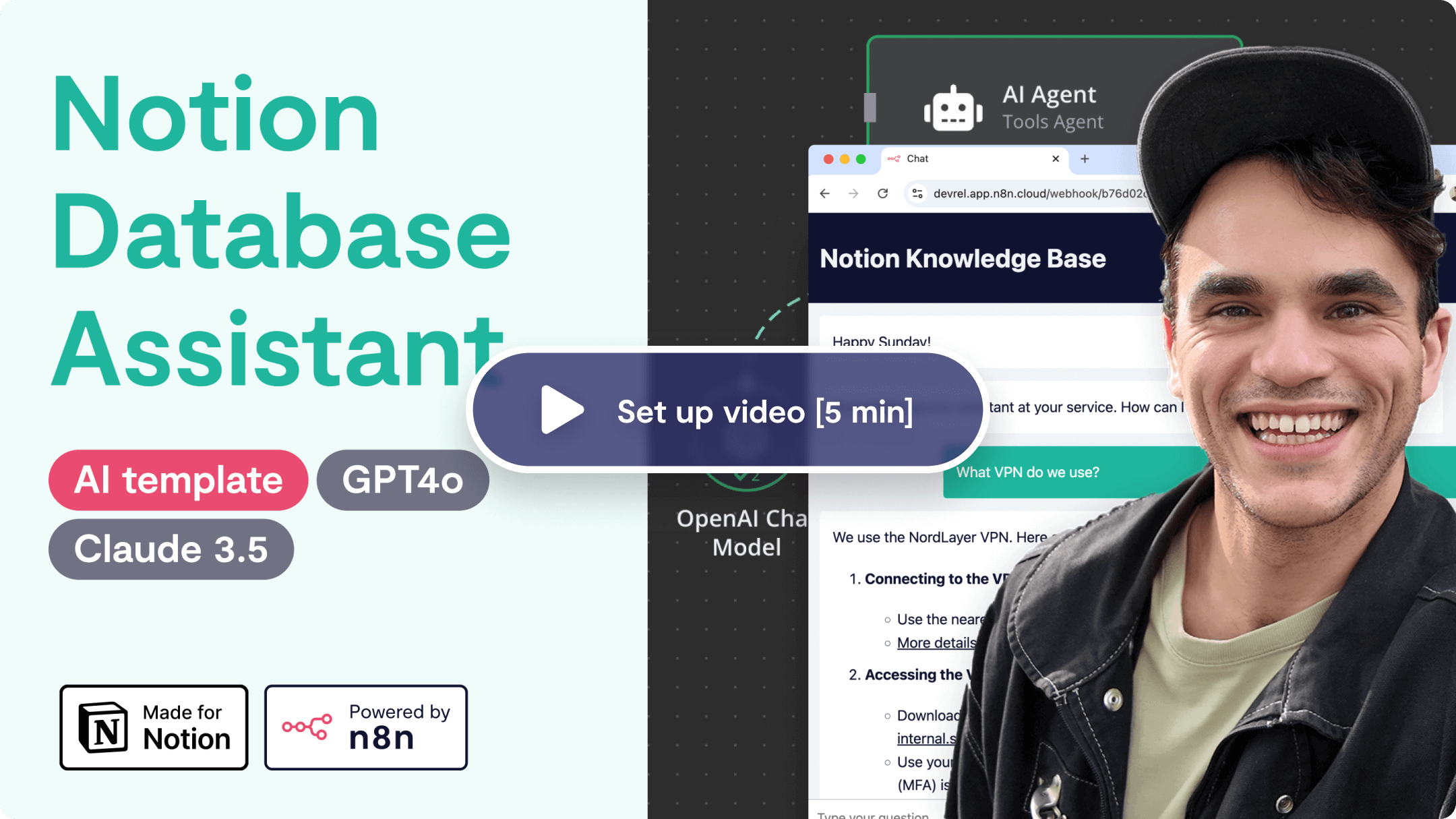
Find basic set up instructions inside the workflow itself or watch a quickstart video 👇
🔗 Nodes Used
Notion, AI Agent, OpenAI Chat Model, Simple Memory, Chat Trigger, HTTP Request Tool
📥 Import
Download workflow.json and import into n8n:
Workflow menu → Import from File