📖 🗼 AI powered supply chain control tower with BigQuery and GPT-4o
⚡ 7,913 views · 📖 Internal Wiki & Knowledge Base
Description
Tags: Supply Chain, Logistics, Control Tower
Context
Hey! I’m Samir, a Supply Chain Engineer and Data Scientist from Paris, and the founder of LogiGreen Consulting.
We design tools to help companies improve their logistics processes using data analytics, AI, and automation—to reduce costs and minimize environmental impact.
> Let’s use N8N to build smarter and more sustainable supply chains!
📬 For business inquiries, you can add me on LinkedIn
Who is this template for?
This workflow template is designed for logistics operations that need a monitoring solution for their distribution chains.
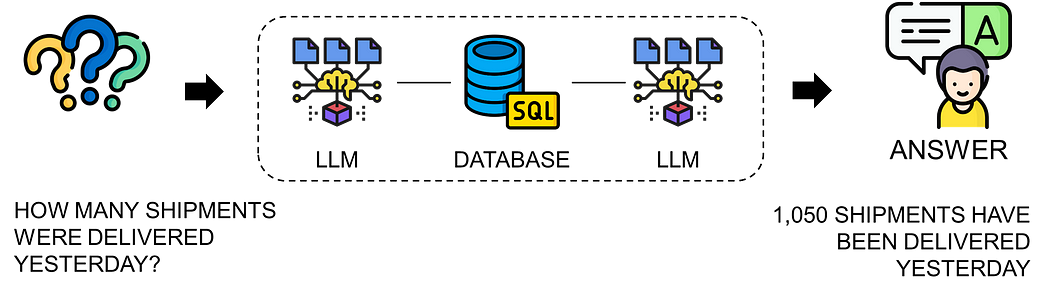
Connected to your Transportation Management Systems, this AI agent can answer any question about the shipments handled by your distribution teams.
How does it work?
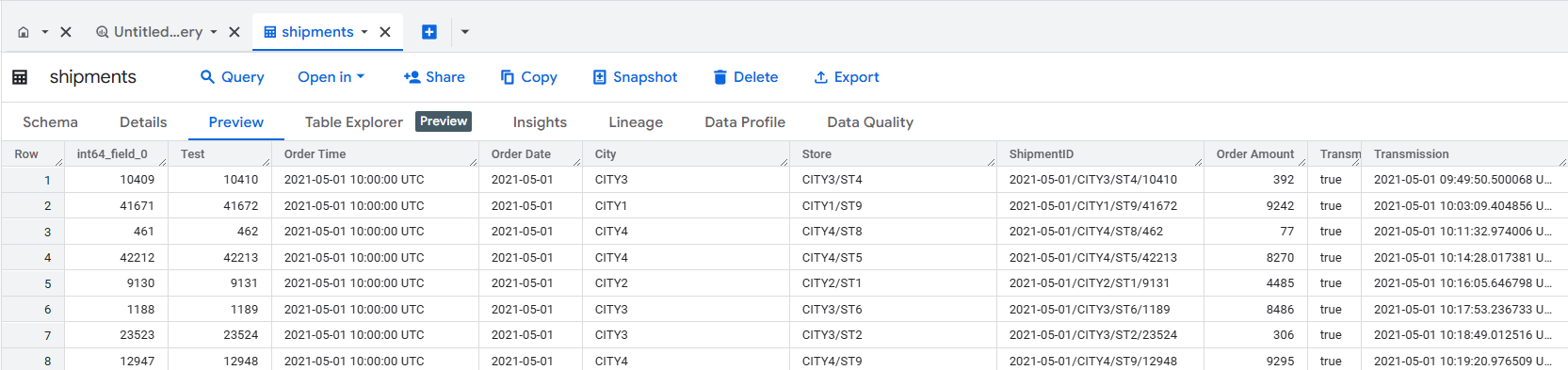
The workflow is connected to a Google BigQuery table that stores outbound order data (customer deliveries).
Here’s what the AI agent does:
- 🤔 Receives a user question via chat.
- 🧠 Understands the request and generates the correct SQL query.
- ✅ Executes the SQL query using a BigQuery node.
- 💬 Responds to the user in plain English.
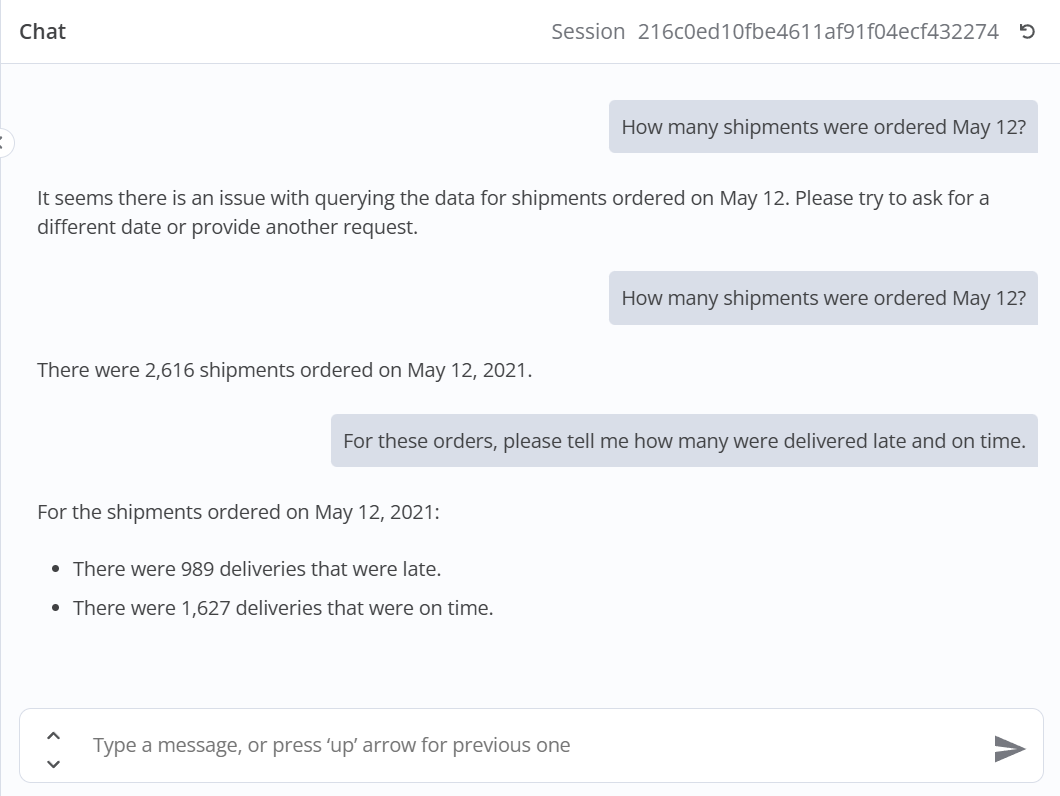
Thanks to the chat memory, users can ask follow-up questions to dive deeper into the data.
What do I need to get started?
This workflow requires no advanced programming skills.
You’ll need:
- A Google BigQuery account with an SQL table storing transactional records.
- An OpenAI API key (GPT-4o) for the chat model.
Next Steps
Follow the sticky notes in the workflow to configure each node and start using AI to support your supply chain operations.
🚀 Curious how N8N can transform your logistics operations?
Notes
- The chat trigger can easily be replaced with Teams, Telegram, or Slack for a better user experience.
- You can also connect this to a customer chat window using a webhook.
This workflow was built using N8N version 1.82.1
Submitted: March 24, 2025
🔗 Nodes Used
Google BigQuery, Execute Workflow Trigger, AI Agent, OpenAI Chat Model, Simple Memory, Call n8n Workflow Tool
📥 Import
Download workflow.json and import into n8n:
Workflow menu → Import from File