📊 Generate YouTube video ideas from comments with GPT-4o-mini and Google Sheets
⚡ 334 views · 📊 Market Research & Insights
💡 Pro Tip — YouTube’s API quotas can be a bottleneck when you’re pulling data at scale. ScraperNode is a community node with dedicated scrapers for channels, videos, and comments — no quota limits, just structured data.

Description
#Analyse YouTube Comments via AI Agent and Create Video Topics
Description
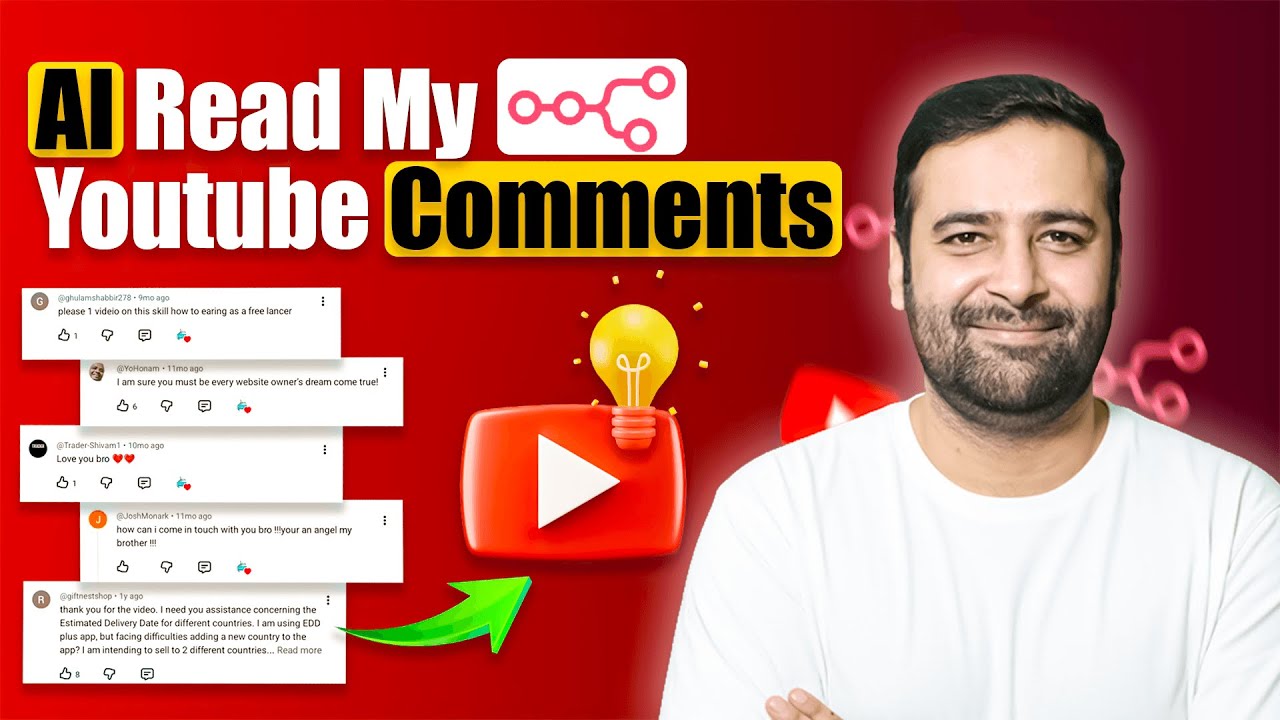
Identifying what your audience wants can be a manual and time-consuming process. This workflow automates your content research by analyzing comments from your latest YouTube videos using an AI Agent. Every week, it fetches feedback, stores it in Google Sheets for backup, and uses OpenAI to suggest the TOP 5 SEO-optimized video topics based on real viewer requests.
The final content strategy is delivered directly to your Gmail inbox, allowing you to focus on creating rather than researching.
What it Does
- Weekly Trigger: The workflow starts automatically every Friday (customizable) via the Schedule Trigger.
- Fetches Video Data: It pulls the latest 5 videos from your specified YouTube playlist.
- Retrieves Comments: Uses the YouTube API (HTTP Request) to fetch up to 100 comment threads per video.
- Data Archiving: All retrieved comments are saved into a Google Sheet, ensuring you have a permanent backup of audience feedback.
- AI Analysis: A JavaScript node formats the comments and passes them to an AI Agent. Powered by OpenAI (GPT-4o-mini), the agent identifies recurring themes and requests.
- Structured Output: The Output Parser ensures the AI provides exactly 5 video titles in a clean, professional format.
- Email Delivery: The Gmail node sends a summary of the suggested content plan directly to your inbox.
Use Cases
- YouTube Creators: Automatically find out what tutorials or “How-to” videos your audience is asking for.
- Social Media Managers: Generate weekly reports on audience sentiment and demand for clients.
- Educational Channels: Identify specific pain points or questions students are mentioning in the comments.
Customization
- YouTube Node: Replace the
Playlist IDwith the ID of the playlist you want to monitor. - Google Sheets: Select your own Spreadsheet and Sheet Name in the Append row in sheet node.
- AI Agent Prompt: You can modify the prompt to change the tone of the titles (e.g., “Make them clickbaity” or “Make them educational”).
- Gmail Node: Update the “To” email address to your own email.
Requirements
- An n8n instance (Cloud or Self-hosted).
- Google Cloud Credentials (With YouTube Data API v3, Google Sheets API, and Gmail API enabled).
- OpenAI API Key (For the AI Agent analysis).
How to Set Up
- Connect Credentials: Link your YouTube, Google Sheets, Gmail, and OpenAI accounts to their respective nodes.
- Configure Playlist: In the “Get many playlist items” node, enter your YouTube Playlist ID.
- Select Sheet: In the “Append row in sheet” node, pick your target Google Sheet.
- Update Gmail: In the “Send a message” node, set your recipient email address.
- Activate: Save the workflow and toggle it to Active.
🔗 Nodes Used
Google Sheets, HTTP Request, Gmail, YouTube, Schedule Trigger, AI Agent
📥 Import
Download workflow.json and import into n8n:
Workflow menu → Import from File