📊 Extract insights & analyse YouTube comments via AI agent chat
⚡ 4,902 views · 📊 Market Research & Insights
💡 Pro Tip — YouTube’s API quotas can be a bottleneck when you’re pulling data at scale. ScraperNode is a community node with dedicated scrapers for channels, videos, and comments — no quota limits, just structured data.

Description
Video Guide
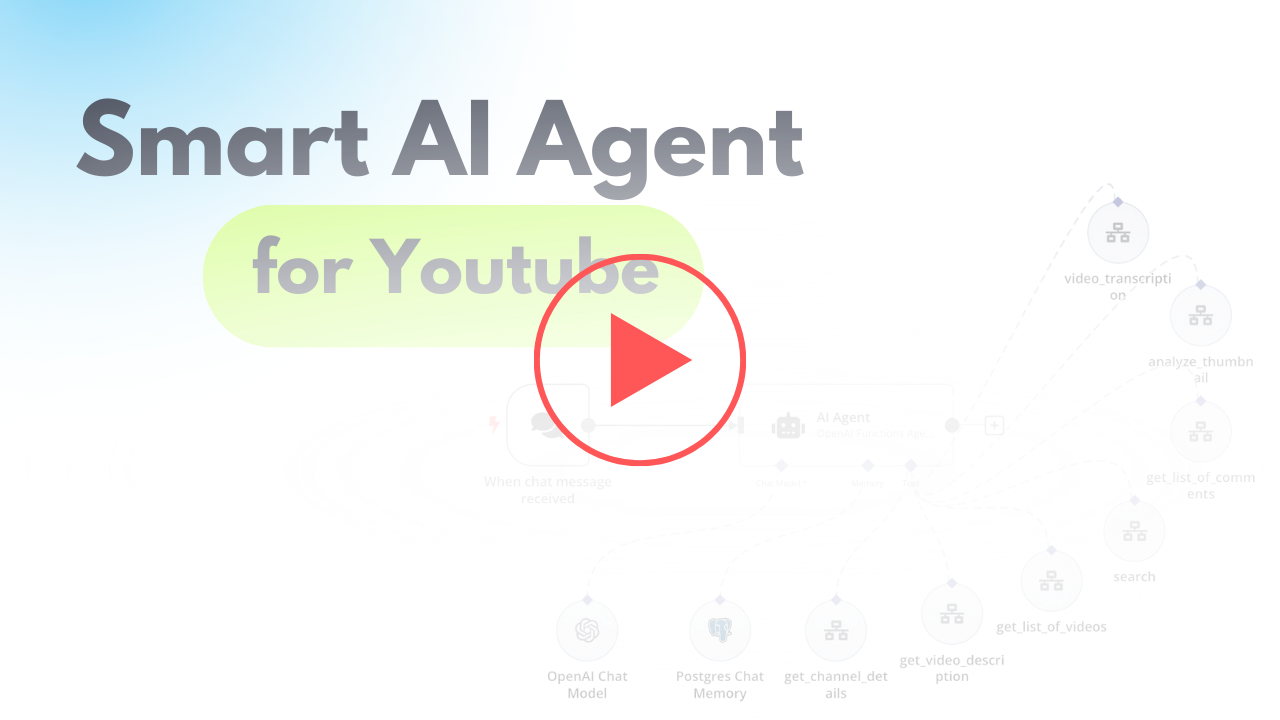
I prepared a detailed guide to help you set up your workflow effectively, enabling you to extract insights from YouTube for content generation using an AI agent.
Who is this for?
This workflow is ideal for content creators, marketers, and analysts looking to enhance their YouTube strategies through data-driven insights. It’s particularly beneficial for individuals wanting to understand audience preferences and improve their video content.
What problem does this workflow solve?
Navigating the content generation and optimization process can be complex, especially without significant audience insight. This workflow automates insights extraction from YouTube videos and comments, empowering users to create more engaging and relevant content effectively.
What this workflow does
The workflow integrates various APIs to gather insights from YouTube videos, enabling automated commentary analysis, video transcription, and thumbnail evaluation. The main functionalities include:
- Extracting user preferences from comments.
- Transcribing video content for enhanced understanding.
- Analyzing thumbnails via AI for maximum viewer engagement insights.
- AI Insights Extraction: Automatically pulls comments and metrics from selected YouTube creators to evaluate trends and gaps.
- Dynamic Video Planning: Uses transcriptions to help creators outline video scripts and topics based on audience interest.
- Thumbnail Assessment: Provides analysis on thumbnail designs to improve click-through rates and viewer attraction.
Setup
N8N Workflow
-
API Setup:
- Create a Google Cloud project and enable the YouTube Data API.
- Generate an API key to be included in your workflow requests.
-
YouTube Creator and Video Selection:
- Start by defining a request to identify top creators based on their video views.
- Capture the YouTube video IDs for further analysis of comments and other video metrics.
-
Comment Analysis:
- Gather comments associated with the selected videos and analyze them for user insights.
-
Video Transcription:
- Utilize the insights from transcriptions to formulate content plans.
-
Thumbnail Analysis:
- Evaluate your video thumbnails by submitting the URL through the OpenAI API to gain insights into their effectiveness.
🔗 Nodes Used
HTTP Request, Execute Workflow Trigger, AI Agent, OpenAI Chat Model, Call n8n Workflow Tool, Chat Trigger
📥 Import
Download workflow.json and import into n8n:
Workflow menu → Import from File