📊 Discover HIDDEN Youtube trends / outlier videos in your niche (Apify + Airtable)
⚡ 2,027 views · 📊 Market Research & Insights
💡 Pro Tip — YouTube’s API quotas can be a bottleneck when you’re pulling data at scale. ScraperNode is a community node with dedicated scrapers for channels, videos, and comments — no quota limits, just structured data.

Description
For Who?
- Content Creators
- Youtube Automation
- Marketing Team
How it works?
1 - Every week, retrieve the keywords you want to track 2 - Thanks to Apify, scrape videos from YouTube Search related to these keywords, filtered by relevance 3 - Wait until the dataset is completed 4 - Get the information contained in the dataset 5 - For each video, clean and summarize the script 6 - Upload everything to your Airtable database
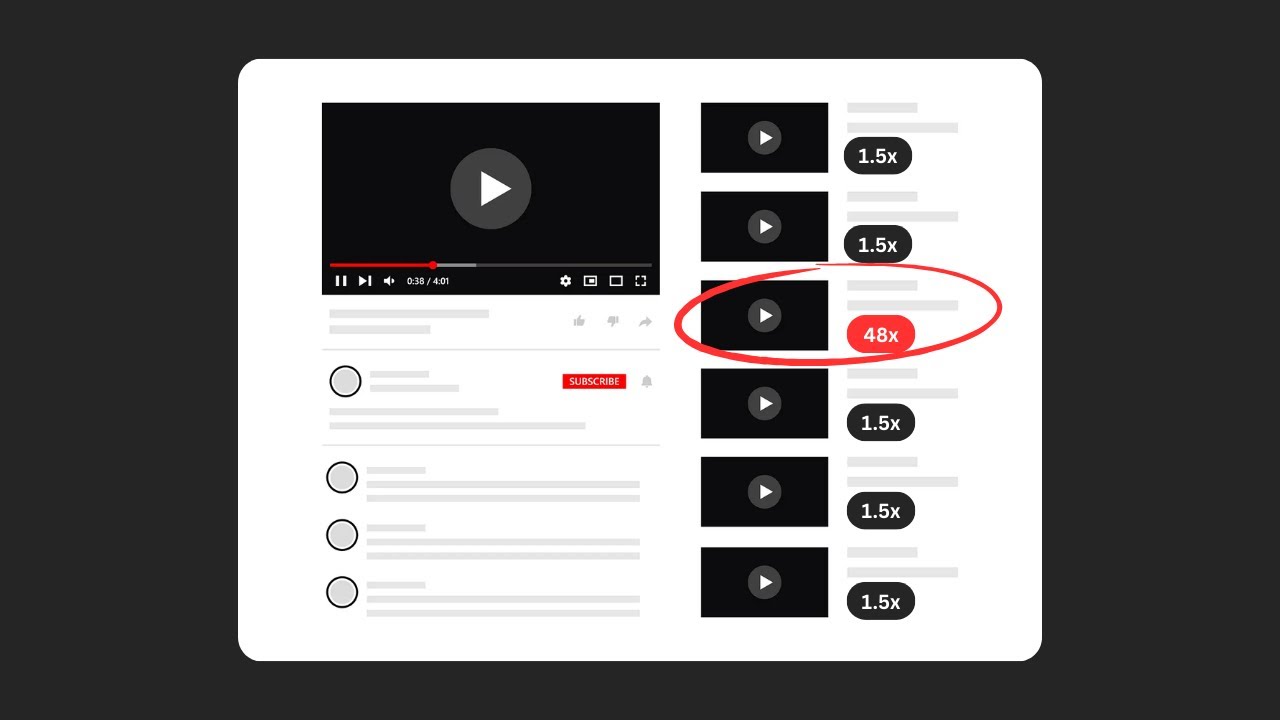
📺 YouTube Video Tutorial:
Setup (~5min)
Scheduled Trigger: Select the frequency you want. If you change it, update the data accordingly in the “Create Videos Dataset” HTTP Request node in Body ➡️ JSON ➡️ dateFilter.
Setup Keywords: Enter keywords related to the niche you want. If you change the number of keywords, update the data accordingly in the “Create Videos Dataset” HTTP Request node in Body ➡️ JSON ➡️ searchQueries.
Create Videos Dataset: Refer to the Apify documentation for more: https://docs.apify.com/api/v2/getting-started
APIs: For all HTTP Request nodes in the URL field, replace [YOUR_API_TOKEN] with your API token.
👨💻 More Workflows : https://n8n.io/creators/nasser/
🔗 Nodes Used
Airtable, HTTP Request, Schedule Trigger, Basic LLM Chain, Mistral Cloud Chat Model
📥 Import
Download workflow.json and import into n8n:
Workflow menu → Import from File