📊 ✍️ Blog image SEO & size auditor with Ghost and Google Sheets
⚡ 877 views · 📊 Market Research & Insights
Description
Tags: Ghost CMS, SEO Audit, Image Optimisation, Alt Text, Google Sheets, Automation
Context
Hi! I’m Samir — a Supply Chain Engineer and Data Scientist based in Paris, and founder of LogiGreen Consulting.
I help companies and content creators use automation and analytics to improve visibility, enhance performance, and reduce manual work.
> Let’s use n8n to automate SEO audits to increase your traffic!
📬 For business inquiries, feel free to connect on LinkedIn
Who is this template for?
This workflow is perfect for bloggers, marketers, or content teams using Ghost CMS who want to:
- Extract and review all images from articles
- Detect missing or short alt texts
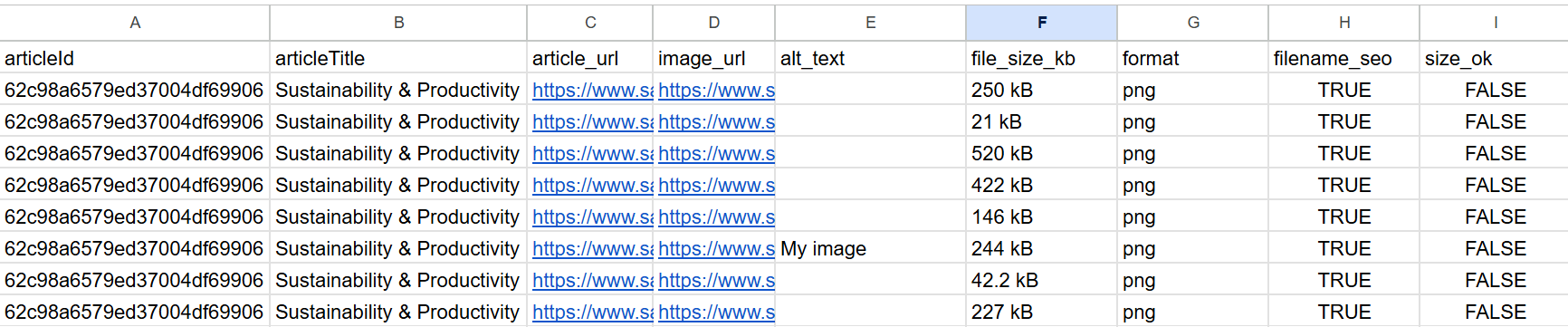
- Check image file size and filename SEO compliance
- Push the audit results into a Google Sheet
How does it work?
This n8n workflow extracts all blog posts from Ghost CMS, scans the HTML to collect all embedded images, then evaluates each image for:
- ✅ Presence and length of
alt text - 📏 File size in kilobytes
- 🔤 Filename SEO quality (e.g. lowercase, hyphenated, no special chars)
All findings are written to Google Sheets for further analysis or manual cleanup.
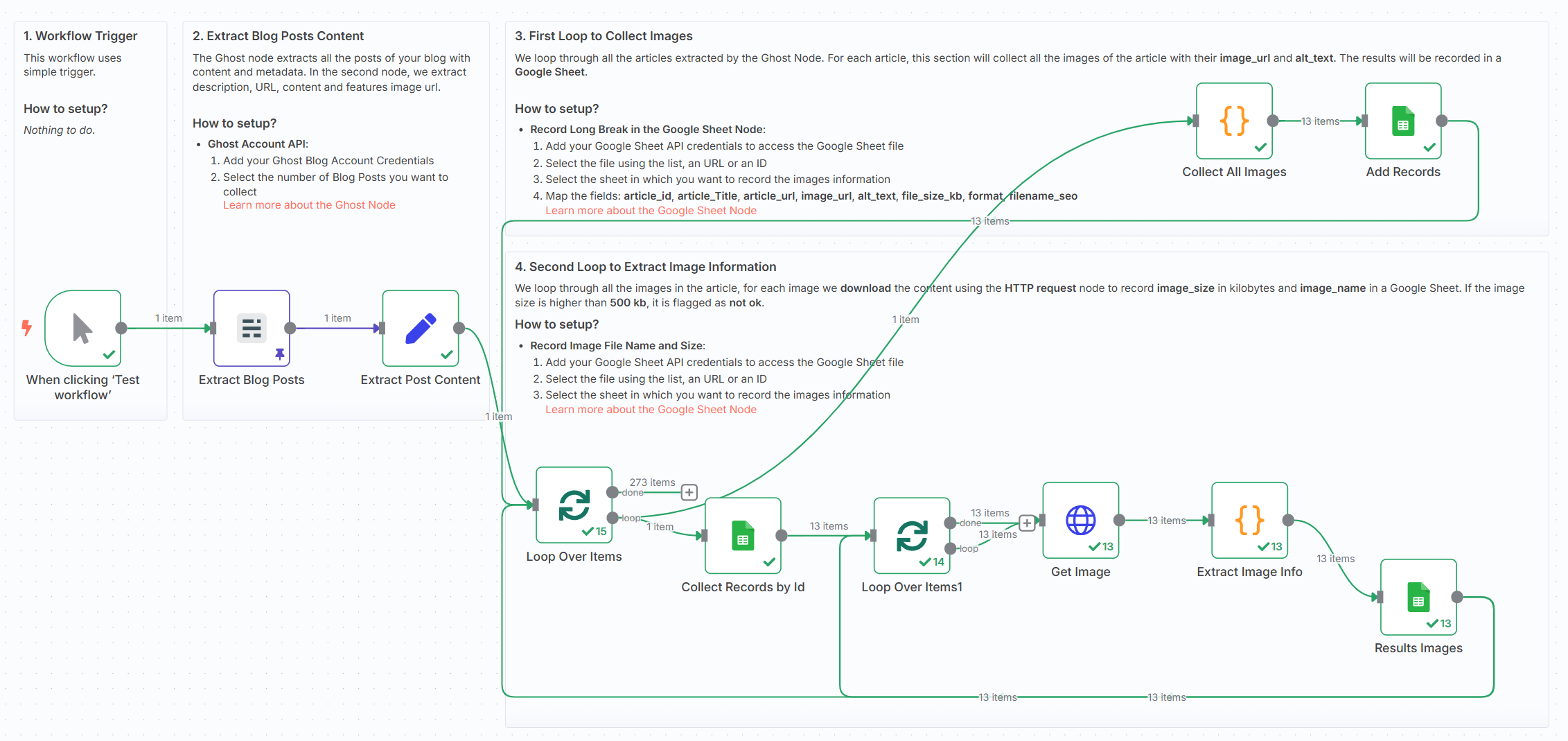
🧭 Workflow Steps:
- 🚀 Trigger the workflow manually or on schedule
- 📰 Extract blog post content from Ghost CMS
- 🖼️ Parse all
<img>tags withsrcandaltattributes - 📤 Store image metadata in a Google Sheet (step 1)
- 🌐 Download each image using HTTP request
- 🧮 Extract file size, extension, and filename SEO flag
- 📄 Update the audit sheet with size and format insights
What do I need to get started?
This workflow requires:
- A Ghost Content API key
- A Google Sheet (to log audit results)
- No AI or external APIs required — works fully with built-in nodes
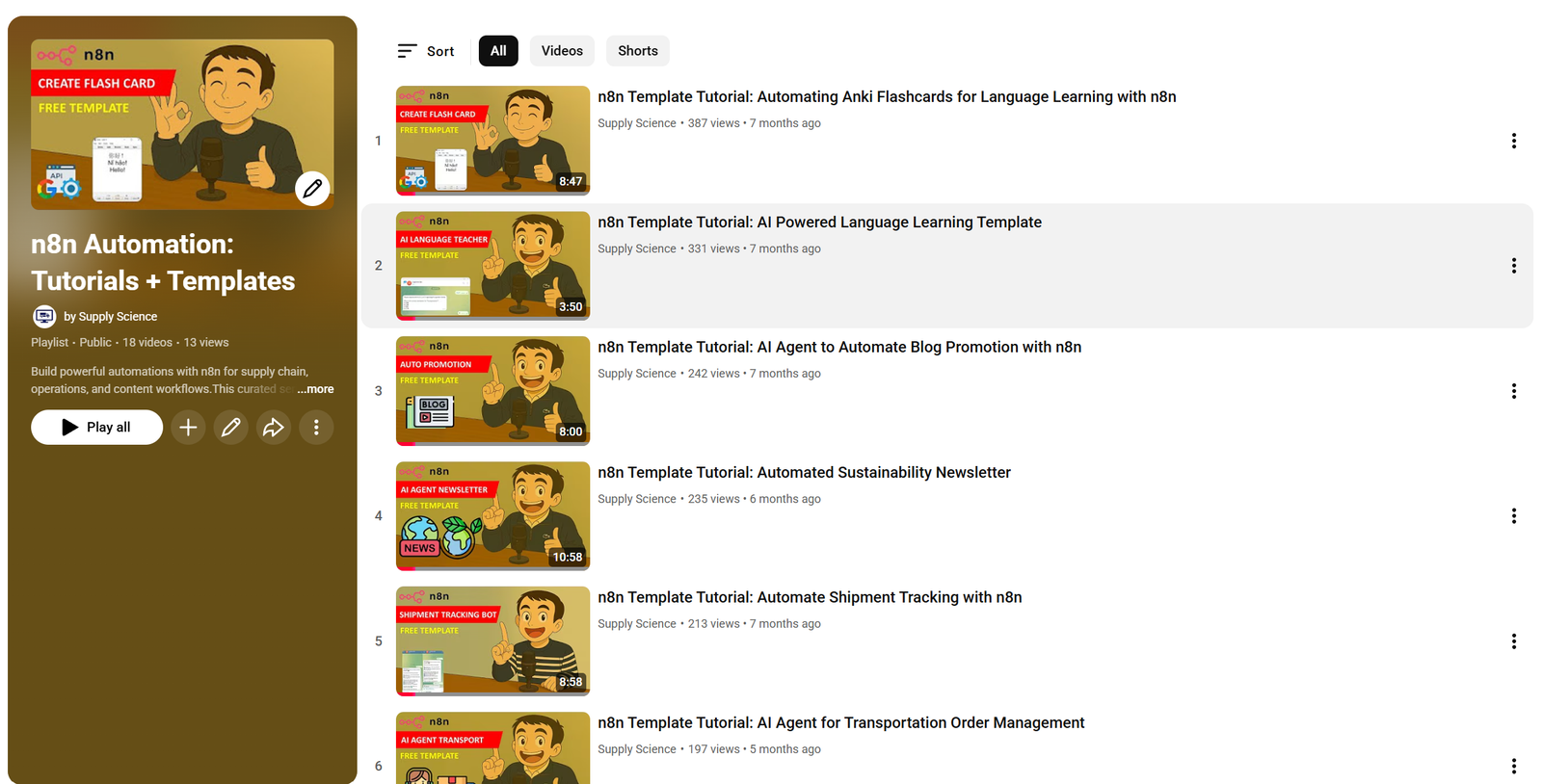
📺 Learn More with n8n Tutorials
Get hands-on experience with automation through my comprehensive n8n tutorial playlist, featuring 18+ complete, step-by-step videos and ready-to-use templates.
Next Steps
🗒️ Follow the sticky notes inside the workflow to:
- Plug in your Ghost blog credentials
- Select or create a Google Sheet
- Run the audit and start improving your SEO!
This template was built using n8n v1.93.0
Submitted: June 8, 2025
🔗 Nodes Used
Google Sheets, HTTP Request, Ghost
📥 Import
Download workflow.json and import into n8n:
Workflow menu → Import from File