👥 Bulk resume screening & JD matching with GPT-4 for HR teams
⚡ 3,217 views · 👥 HR & Recruitment
💡 Pro Tip — Job boards are notoriously hard to scrape — CAPTCHAs, rate limits, constantly changing layouts. ScraperNode has maintained scrapers for Indeed jobs, Glassdoor reviews, and Glassdoor jobs that handle all of that for you.

Description
TalentFlow AI – Bulk Resume Screening with JD Matching
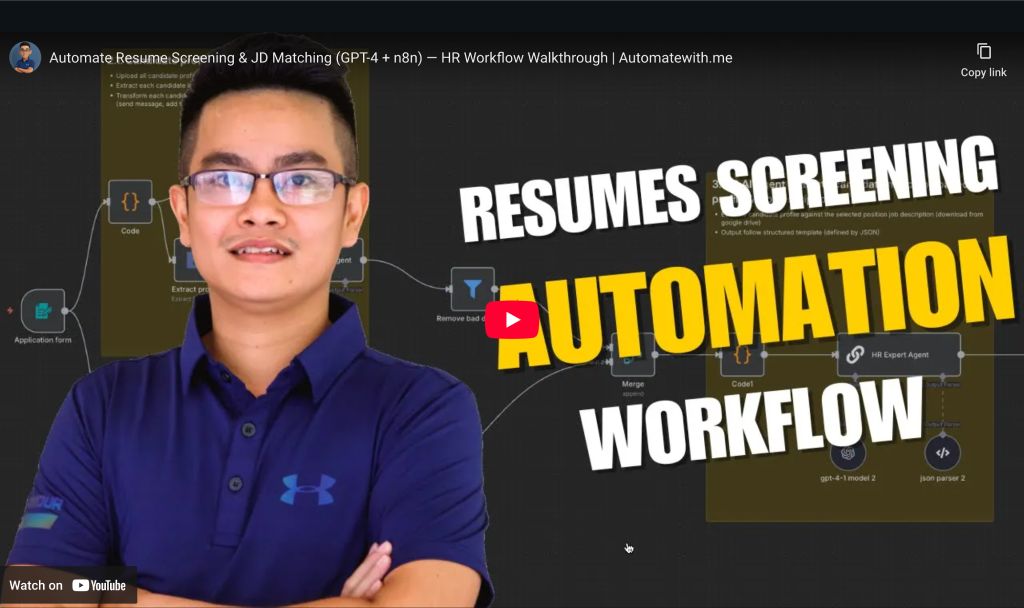 Automatically extract, evaluate, and shortlist multiple resumes against a selected job description using GPT-4. This smart, scalable n8n workflow helps HR/TA teams streamline hiring decisions while keeping results structured, auditable, and easy to share.
👤 Who’s it for
This workflow is designed for:
- HR or Talent Acquisition (TA) teams handling multiple candidates per role
- Recruiters who want AI-assisted resume screening to save time and reduce bias
- Organizations that want to automatically log evaluations and keep stakeholders updated in real-time via Slack or Sheets
⚙️ How it works / What it does
- HR/TA uploads multiple candidate resumes and selects a job role
- Each resume is:
- Uploaded to Google Drive
- Parsed with GPT-4 to extract structured profile data
- The job description for the selected role is:
- Retrieved from Google Sheets
- Downloaded from Drive and parsed
- The profile + JD are sent to an AI agent to generate:
- Fit score
- Strengths & gaps
- Final recommendation
- Results are:
- Appended to the evaluation tracking sheet
- Optionally shared with the hiring team on Slack
- Used to trigger emails to qualified or unqualified candidates
🛠️ How to set up
- Clone or import the workflow into your n8n instance
- Connect your integrations:
- Google Sheets (positions & evaluation form)
- Google Drive (CV & JD folders)
- OpenAI API (GPT-4)
- Slack (for notifications)
- (Optional) SendGrid or SMTP for email notifications
- Update Google Sheets structure:
Positionssheet: maps Job Role → JD file linkEvaluation form: stores evaluation results
- Prepare Drive folders:
/cvfolder for uploaded resumes/jdfolder for job description PDFs
📋 Requirements
- ✅ n8n (hosted or self-hosted)
- ✅ OpenAI GPT-4 account (used in Profile & JD evaluator agents)
- ✅ Google Drive + Google Sheets access
- ✅ Slack workspace + bot token
- (Optional) SendGrid or email credentials for candidate follow-up
🎨 How to customize the workflow
- Change the fit score threshold in the
Candidate qualified?node - Edit Slack message content/formatting to match your company tone
- Add additional candidate metadata to Sheets or Slack messages
- Use a webhook trigger to integrate with your ATS or job board
- Swap GPT-4 with Claude or Gemini if you prefer other AI services
- Expand to include multi-position batch screening logic
Happy Hiring! 🚀
Automated with love using n8n
🔗 Nodes Used
Google Sheets, Slack, Google Drive, SendGrid, Filter, AI Agent
📥 Import
Download workflow.json and import into n8n:
Workflow menu → Import from File