👥 AI recruiting pipeline: Job to candidate shortlist with Apollo & Airtable
⚡ 1,356 views · 👥 HR & Recruitment
💡 Pro Tip — If you’re pulling LinkedIn data through HTTP requests or dealing with API restrictions, there’s a community node called ScraperNode that handles this natively. It has dedicated scrapers for profiles, companies, jobs, and people search — you just pass a URL and get structured data back.

Description
Who’s it for
Recruiting agencies, executive search firms, and in-house talent teams that want to automate candidate sourcing and prequalification. Instead of spending hours searching, scoring, and writing outreach, this workflow turns any job description into a ready-to-use shortlist with personalized messages.
Youtube Walkthrough
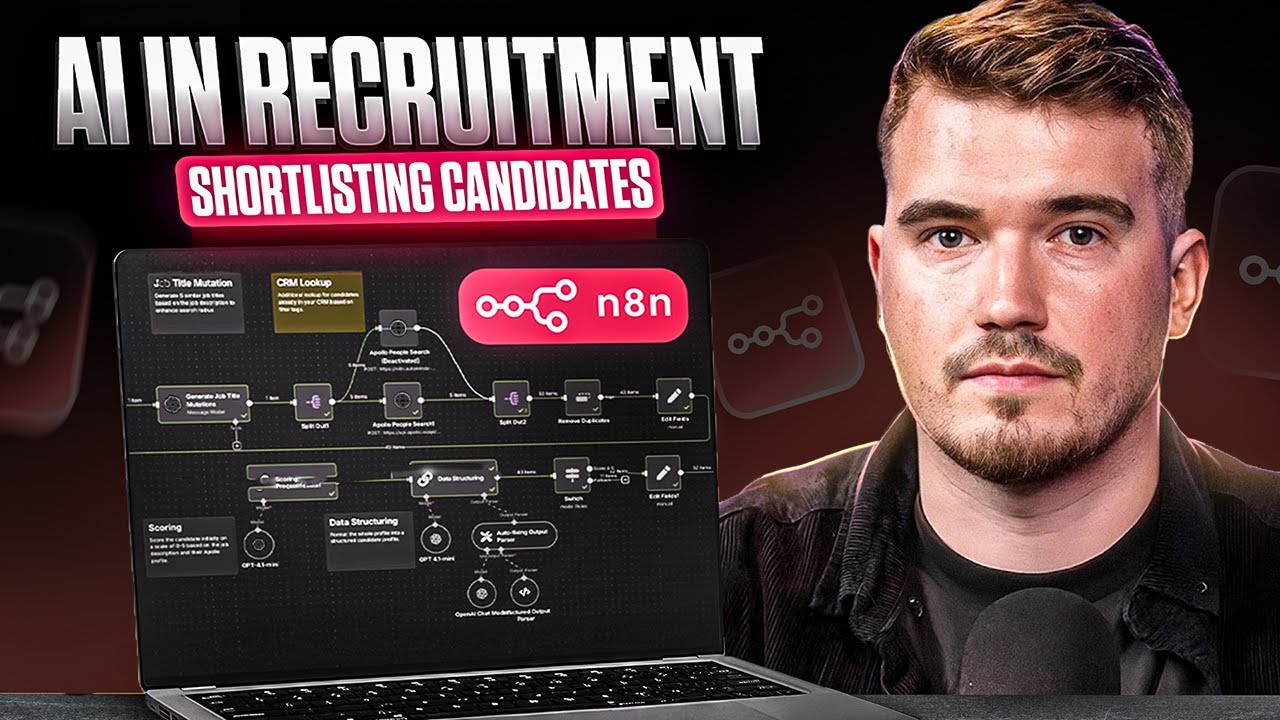
What it does (How it works)
This workflow takes a job description (title, description, and location) and runs a complete recruiting automation pipeline:
- Normalize job titles and generate variations to widen search coverage.
- Search candidates in Apollo (or your CRM / database of choice).
- Remove duplicates to keep clean lists.
- Score candidates with AI (0–5) and provide concise reasoning across experience, industry, and seniority.
- Enrich LinkedIn profiles (name, title, image, location, experience).
- Create structured candidate assessments (summary, alignment, red flags, positives).
- Generate outreach messages (email + LinkedIn DM) tailored to the candidate.
- Write to Airtable for job/candidate tracking and downstream automation.
Everything is plug-and-play, with no manual searching or copy-pasting required.
Requirements
- n8n (Cloud or self-hosted)
- Airtable account + API access
- Apollo API or your preferred candidate source
- LLM provider: OpenAI or Anthropic
- LinkedIn enrichment API (RapidAPI, Apify, etc.)
> ⚠️ Do not hardcode API keys in HTTP nodes. Always use Credentials in n8n.
Airtable table specifications
Create one base (e.g., Candidate Search – From Job Description) with two tables:
Jobs Table
Job Title(text)Job Description(long text)Job Location(text)Candidates(linked to Candidates table)
Candidates Table
- Core fields:
Name,LinkedIn URL,Job Title,Location,Image URL,Job Searches(linked) - Assessment fields:
Summary Fit Score,Executive Summary,Title Alignment,Skill Alignment,Industry Alignment,Seniority Alignment,Company Type Alignment,Educational Alignment,Potential Red Flags,Positive Signals,Final Recommendation,Next Steps Suggestion - Outreach fields:
Email Subject,Email Body,LinkedIn Message
How to set up
-
Connect credentials
Add Airtable, Apollo/CRM, and OpenAI/Anthropic credentials under n8n Credentials. -
Create Airtable base/tables
Follow the above spec for Jobs and Candidates. Match field names exactly to avoid mapping errors. -
Configure the trigger
The workflow starts from a Form/Webhook node. It captures:- Job Title (required)
- Job Description (required)
- Location (required)
- Target Companies (optional, comma-separated domains)
-
Job title mutation
The workflow uses an AI node to normalize the job title and generate up to 5 variations for broader candidate searches. -
Candidate search
Apollo (or your CRM API) is queried with the generated titles and location filters. Results are deduped. -
AI scoring & structuring
Candidates are scored 0–5 with clear reasoning (experience, industry, seniority, general fit). Profiles are formatted into structured JSON for Airtable. -
LinkedIn enrichment
Enrichment API fetches missing data (geo, image, job history). -
Candidate assessment
An AI model produces a full recruiter-ready evaluation (fit summary, strengths, red flags). -
Outreach generation
The workflow drafts a concise cold email (<75 words) and LinkedIn DM (<60 words), consultative in tone. -
Write to Airtable
All jobs and candidates (with assessments and outreach messages) are logged for review and integration.
How to customize
- Swap Apollo with your CRM (Greenhouse, Bullhorn, etc.).
- Adjust scoring prompts to match your niche (sales, engineering, healthcare).
- Add custom filters for target companies or industries.
- Change outreach tone to align with your brand voice.
- Limit by score (e.g., only push candidates with score ≥4).
Security & best practices
- Store all keys in n8n Credentials (never in nodes).
- Use Set nodes to centralize editable variables (title, location, filters).
- Always add sticky notes in your workflow explaining steps.
- Rename nodes clearly for readability.
Troubleshooting
- No candidates found? Loosen title variations or broaden location.
- Low fit scores? Refine keywords and required skills in scoring prompts.
- Airtable errors? Double-check Base ID, Table ID, and field names.
- API rate limits? Enable batching/pagination and increase intervals.
SEO title:
Build candidate shortlists from a job description to Airtable with Apollo, AI scoring, and personalized outreach
Keywords: recruiting automation, Apollo people search, candidate enrichment, AI scoring, Airtable recruiting CRM, LinkedIn outreach, n8n workflow template
🔗 Nodes Used
Airtable, HTTP Request, Basic LLM Chain, Anthropic Chat Model, OpenAI Chat Model, Auto-fixing Output Parser
📥 Import
Download workflow.json and import into n8n:
Workflow menu → Import from File