💬 Pre-meeting lead research agent with Calendly, Perplexity & RapidAPI
⚡ 484 views · 💬 Lead Nurturing & AI Sales Agents
💡 Pro Tip — If you’re pulling LinkedIn data through HTTP requests or dealing with API restrictions, there’s a community node called ScraperNode that handles this natively. It has dedicated scrapers for profiles, companies, jobs, and people search — you just pass a URL and get structured data back.

Description
Who’s it for
Sales teams, BDRs, account managers, and customer success professionals who want to show up prepared for every meeting. Perfect for anyone using Calendly who wants to automate prospect research and never walk into a call blind again.
Watch the full tutorial here:
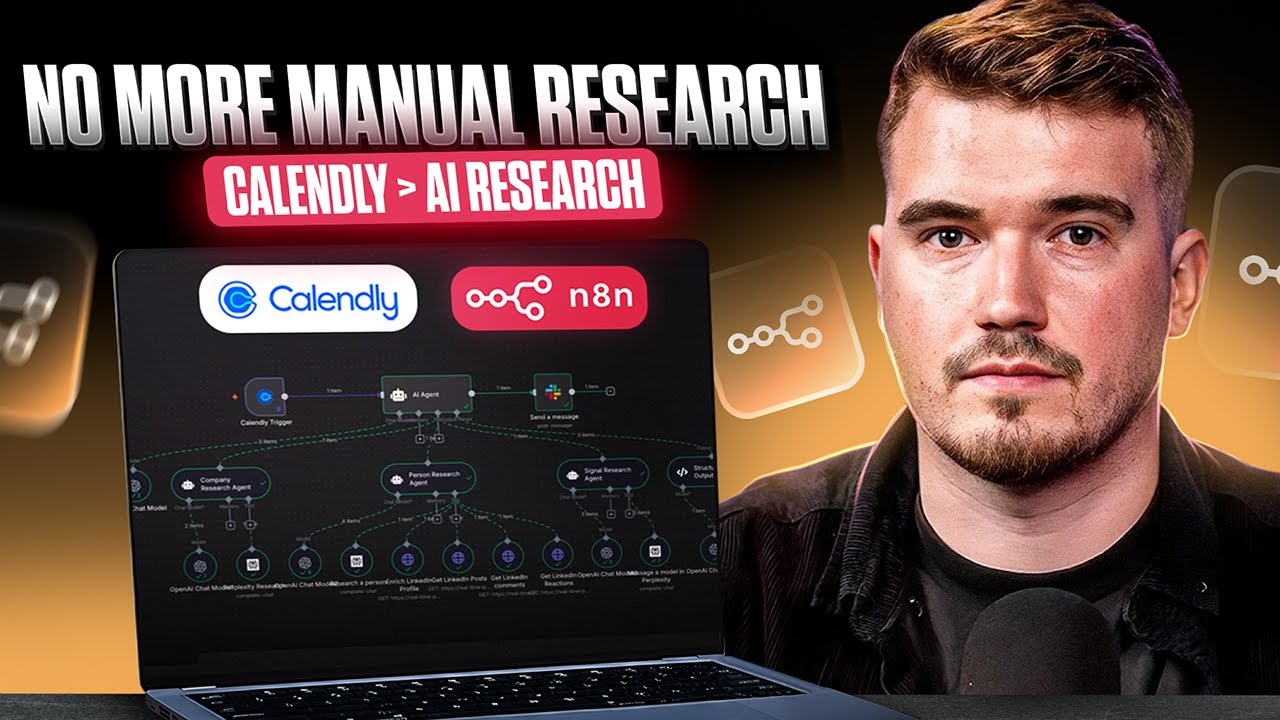
What it does
This workflow automatically researches your meeting attendees the moment they book through Calendly. It combines multiple AI agents to gather comprehensive intelligence:
- Company Research: Uses Perplexity AI to validate company details, recent news, funding, leadership changes, and business signals
- LinkedIn Analysis: Leverages RapidAPI to analyze the person’s profile, recent posts, comments, and engagement patterns from the last 60-90 days
- Signal Detection: Identifies hiring signals, growth indicators, and potential risks with confidence scoring
- Meeting Prep: Synthesizes everything into personalized talking points, conversation starters, and strategic recommendations
The final research brief gets delivered directly to your Slack, saving 30-45 minutes of manual research per meeting.
How it works
- Someone books a meeting via your Calendly (must include LinkedIn URL in booking form)
- Main AI Agent extracts company domain from email and coordinates three specialist research agents
- Company Agent researches business intel via Perplexity
- Person Agent analyzes LinkedIn activity using 4 different RapidAPI endpoints
- Signal Agent identifies business opportunities and risks
- Comprehensive meeting brief gets sent to your Slack channel
Requirements
API Credentials needed:
- Calendly API (for webhook trigger)
- OpenAI API key (GPT-4 recommended for orchestration)
- Perplexity API key (for web research)
- RapidAPI subscription (for LinkedIn data endpoints)
- Slack bot token (for output delivery)
Important: Your Calendly booking form must include a LinkedIn URL field to get optimal results.
How to set up
- Configure Calendly: Add the Calendly trigger node with your API credentials
- Update Slack destination: Modify the final Slack node with your user ID or channel
- Add API keys: Configure all the API credentials in their respective nodes
- Test the workflow: Book a test meeting through Calendly to verify the complete flow
- Customize prompts: Adjust the AI agent prompts based on your specific industry or use case
The workflow uses structured JSON output with confidence scoring and source citation for reliable, actionable intelligence.
How to customize the workflow
- Change output destination: Replace Slack with email, Teams, or CRM integration
- Modify research depth: Adjust the AI prompts to focus on specific industries or company types
- Add more signals: Extend the Signal Research Agent to detect additional business indicators
- Integrate with CRM: Add nodes to automatically update contact records in your sales system
- Schedule follow-ups: Connect to calendar tools to automatically schedule research updates
The modular design makes it easy to adapt for different sales processes and research requirements.
🔗 Nodes Used
Slack, Calendly Trigger, AI Agent, OpenAI Chat Model, Structured Output Parser, AI Agent Tool
📥 Import
Download workflow.json and import into n8n:
Workflow menu → Import from File