🔧 🚚 Automate delivery confirmation with Telegram Bot, Google Drive and Gmail
⚡ 2,987 views · 🔧 Miscellaneous
Description
Tags: Supply Chain Management, Logistics, Transportation
Context
Hey! I’m Samir, a Supply Chain Engineer and Data Scientist from Paris founder of LogiGreen Consulting
We design tools to help small and medium businesses in improving their logistics processes using data analytics and automation.
> Let’s use N8N to make supply chains more efficient and sustainable Supply Chains!
📬 For business inquiries, you can add me on Here
Who is this template for?
This workflow template is designed for logistics operations that cannot rely on a Transportation Management System to record proofs of deliveries.
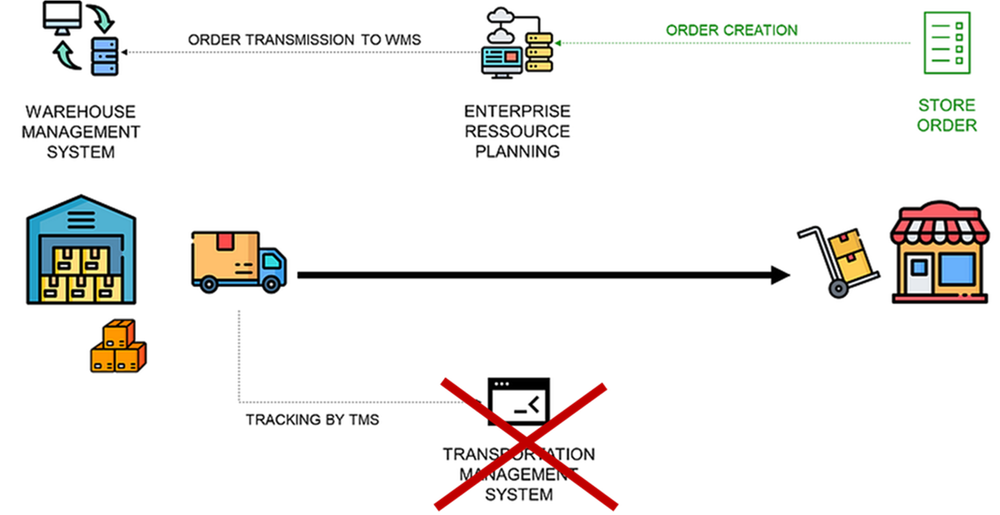
What is a delivery confirmation?
This workflow uses a Telegram bot to automatically notify logistics teams by email when a shipment is delivered.
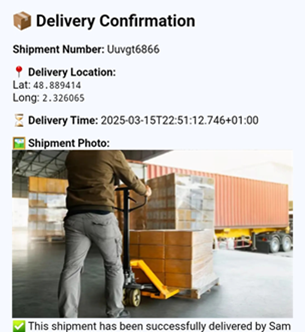
Drivers (equipped with their smartphones) can record their arrival with all the necessary information for accurate distribution planning.
How do we notify the delivery?
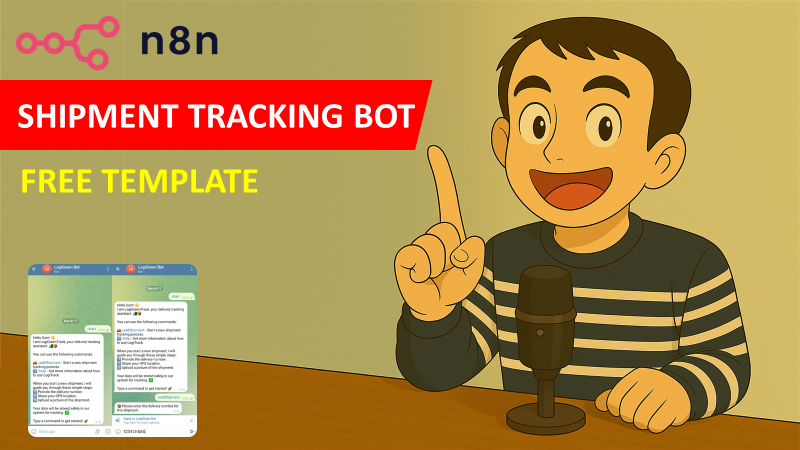
Let us imagine a truck driver arriving at the destination; he can contact the bot to be guided on how to record the delivery.
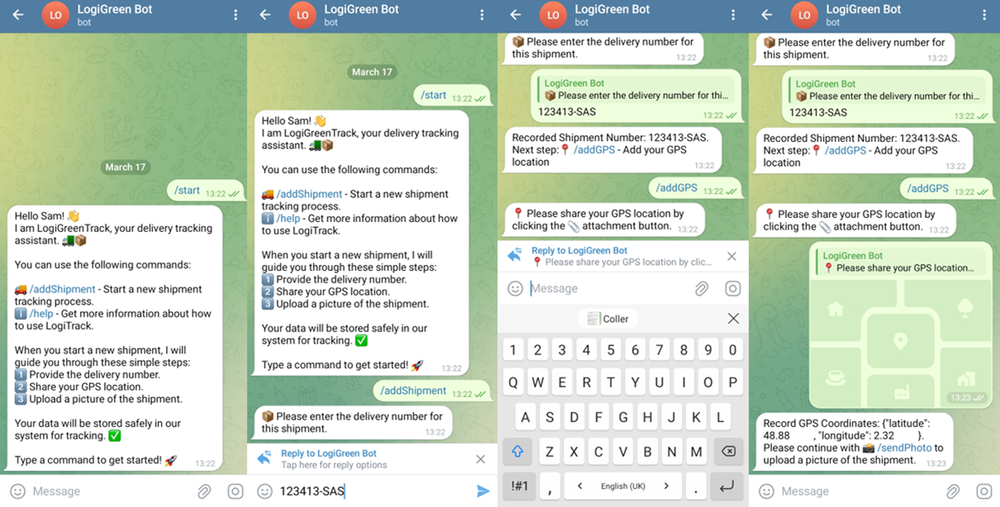
- User Guide: the first bot’s message is a brief explanation of the process
- Record Shipment Number: the bot asks the driver to share the shipment number and record it
- Collect GPS Location: the bot asks the driver to share its GPS location and record them
- Picture of the Shipment: the bot asks for a picture of the shipment and saves it in Google Drive
- Send Confirmation: after data collection, the bot proposes to send a confirmation to the logistics management team
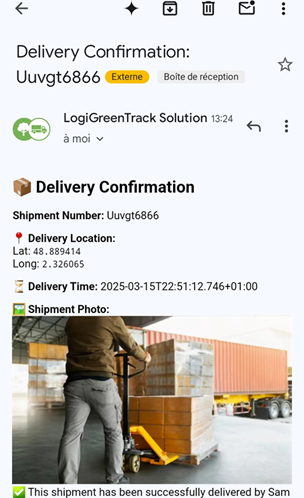
An email is then automatically sent by the N8N workflow including all the information recorded by the flow and a picture of the shipment.
Prerequisite
This workflow does not require any additional paying subscription.
- A Google Drive Account with a folder including a Google Sheet
- API Credentials: Google Drive API, Google Sheets API and Gmail API
- A Telegram Bot with its API token from BotFather
- A Google sheet to store the shipment records with these five columns prepared: shipmentNumber, recordTime, gpsLattitude, gpsLongitude, cargoPicture, deliveryTime
Next Steps
Follow the sticky notes to set up the parameters inside each node and get ready to improve your logistics operations!
I have detailed the steps in a short tutorial 👇
 🎥 Check My Tutorial
🚀 Interested in applications of N8N for Logistics & Supply Chain Management? Let’s connect on Linkedin
Notes
- This workflow can be adapted to add more functionalities. I explain how in the video.
- The bot can handle multiple drivers at the same time.
- If you want to learn more about the original tool designed with Python: 🚚 Blog Article about Telegram Shipment Tracking Bot
This workflow has been created with N8N 1.82.1 Submitted: March 17th, 2025
🔗 Nodes Used
Google Sheets, Telegram, Telegram Trigger, Google Drive, Gmail
📥 Import
Download workflow.json and import into n8n:
Workflow menu → Import from File