⚡ Siri AI agent: Apple Shortcuts powered voice template
⚡ 33,545 views · ⚡ Personal Productivity
Description
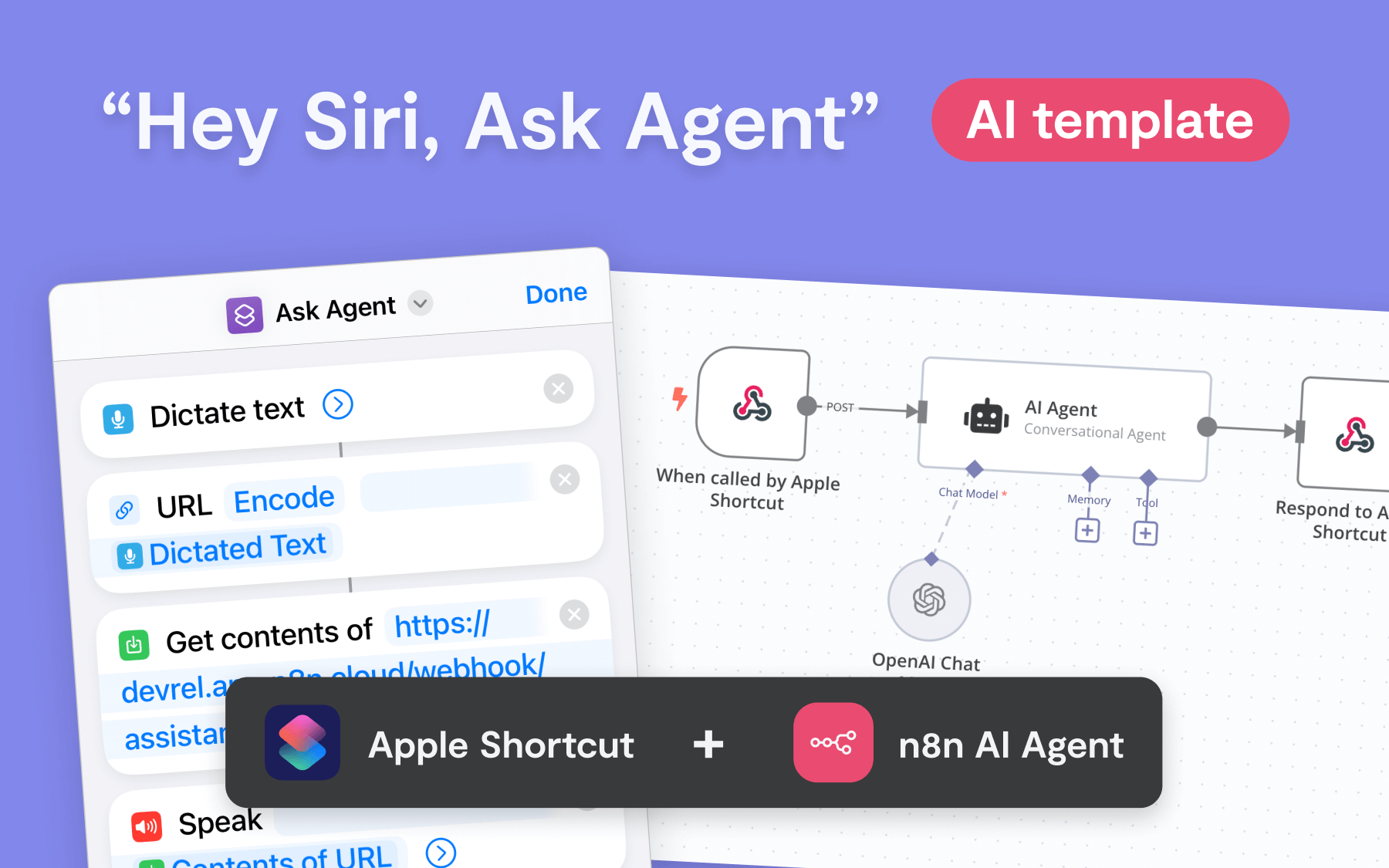
This template demonstrates how to trigger an AI Agent with Siri and Apple Shortcuts, showing a simple pattern for voice-activated workflows in n8n. It’s easy to customize—add app nodes before the AI Agent step to pass additional context, or modify the Apple Shortcut to send inputs like text, geolocation, images, or files.
Set Up
Basic instructions in template itself.
Requirements
- n8n account (cloud or self-hosted)
- Apple Shortcuts app on iOS or macOS. Dictation (“Siri”) must be activated. Download the Shortcuts template here.
Key Features:
- Voice-Controlled AI: Trigger AI Agent via Siri for real-time voice replies.
- Customizable Inputs: Modify Apple Shortcut to send text, images, geolocation, and more.
- Flexible Outputs: Siri can return the AI’s response as text, files, or customize it to trigger CRUD actions in connected apps.
- Context-Aware: Automatically feeds the current date and time to the AI Agent, with easy options to pass in more data.
How It Works:
- Activate Siri and speak your request.
- Siri sends the transcribed text to the n8n workflow via Apple Shortcuts.
- AI Agent processes the request and generates a response.
- Siri reads the response, or the workflow can return geolocation, files, or even perform CRUD actions in apps.
Inspiration: Custom Use Cases
Tweak this template and make it your own.
- Capture Business Cards: Snap a photo of a business card and record a voice note. Have the AI Agent draft a follow-up email in Gmail, ready to send.
- Voice-to-Task Automation: Speak a new to-do item, and the workflow will add it to a Notion task board.
- Business English on the Fly: Convert casual speech into polished business language, and save the refined text directly to your pasteboard, ready to be pasted into any app. “It’s late because of you” -> “There has been a delay, and I believe your input may have contributed to it.”
🔗 Nodes Used
Webhook, AI Agent, OpenAI Chat Model
📥 Import
Download workflow.json and import into n8n:
Workflow menu → Import from File