⚡ Document Q&A chatbot with Gemini AI and Supabase vector search for Telegram
⚡ 19,854 views · ⚡ Personal Productivity
Description
This template creates a Telegram AI Assistant that answers questions based on your documents, powered by Google Gemini and Supabase. Key features include Intelligent HTML Post-processing for rich formatting in Telegram and Adaptive Message Chunking to handle long text responses.
📹 Watch the Bot in Action
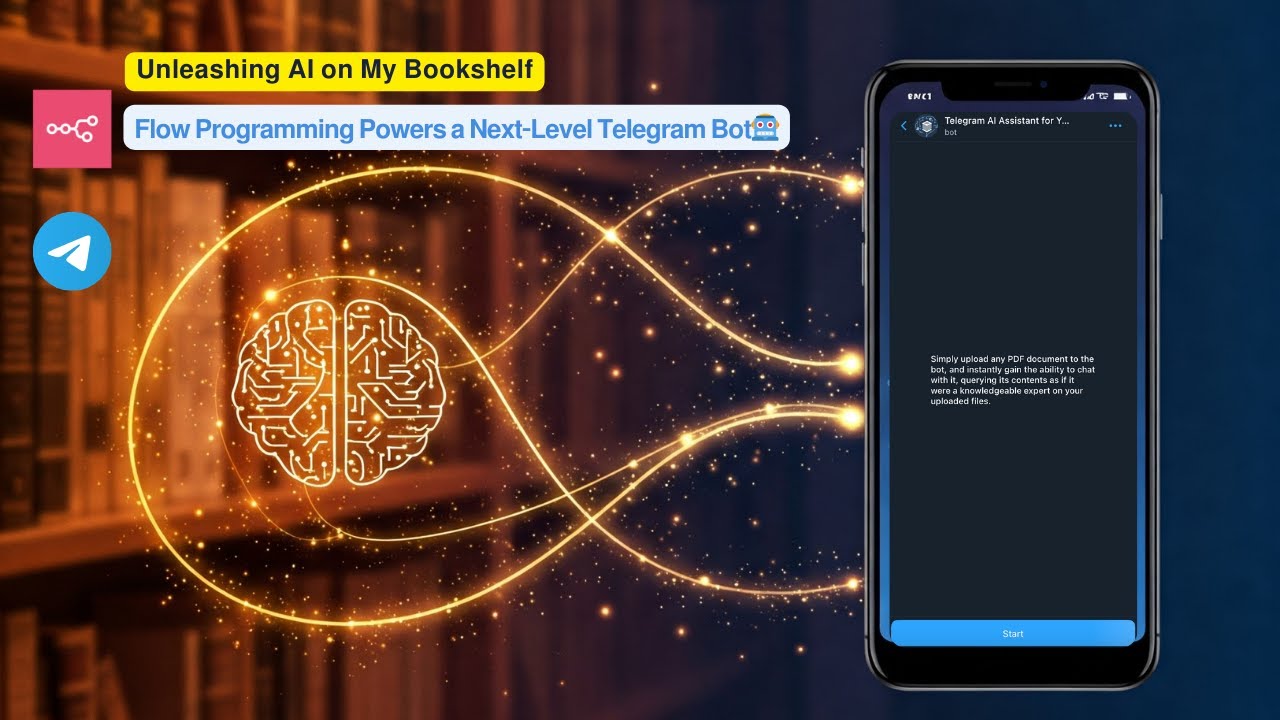
▶️ Click the image above to watch a live demo on YouTube.
This video provides a live demonstration of the bot’s core features and how it interacts. See a quick walkthrough of its capabilities and user flow.
How it works:
-
User uploads a PDF document to a Telegram bot.
-
The workflow processes the PDF, creates embeddings using Google Gemini, and stores these embeddings in a Supabase vector table.
-
Users then ask questions to the bot.
-
The workflow performs a vector search in Supabase to find relevant document chunks based on the user’s query.
-
Google Gemini uses the retrieved relevant chunks to generate an intelligent answer.
-
The bot sends the formatted answer back to the user on Telegram, utilizing HTML markup for enhanced presentation.
Set up steps:
Setup should take approximately 15-20 minutes.
-
Import the workflow into your n8n instance.
-
Configure credentials for Telegram, Google Gemini, and Supabase.
-
Set up your Supabase vector table using the provided SQL script.
-
Activate the workflow.
Detailed setup instructions, including how to get API keys and configure nodes, are available in the sticky notes within the workflow itself.
🔗 Nodes Used
Telegram, Telegram Trigger, AI Agent, Simple Memory, Recursive Character Text Splitter, Supabase Vector Store
📥 Import
Download workflow.json and import into n8n:
Workflow menu → Import from File